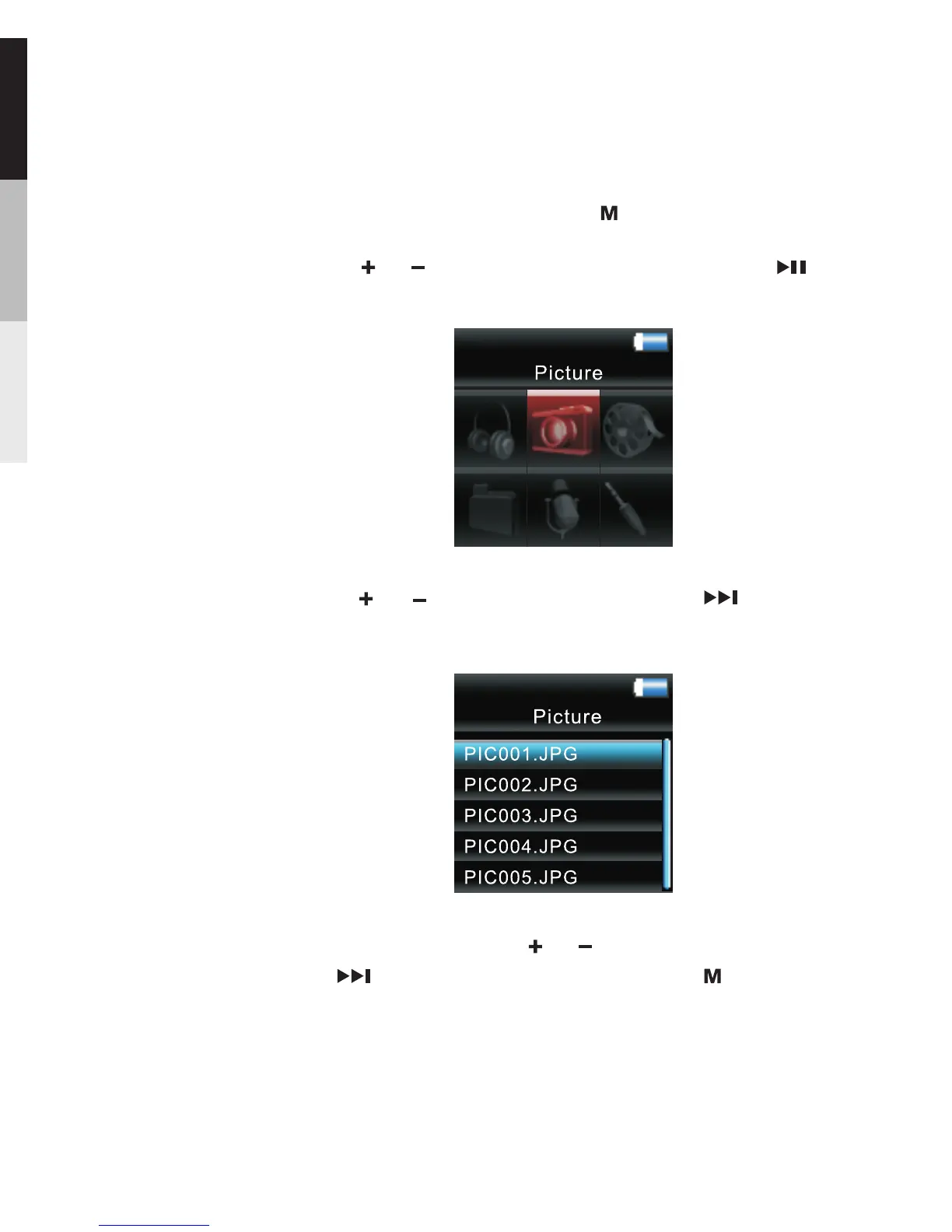
Picture Viewing
1.To start picture viewing, press twice during playback
to access the Home Menu.
2.Press or to highlight “ Picture ”. Then press to
advance.
3 Press or to highlight picture, press to confirm
your selection.
.
In picture viewing, press or to select picture,
press to confirm your selection; press to return to
previous menu level.
18
Picture and Video Viewing



 To Next Page