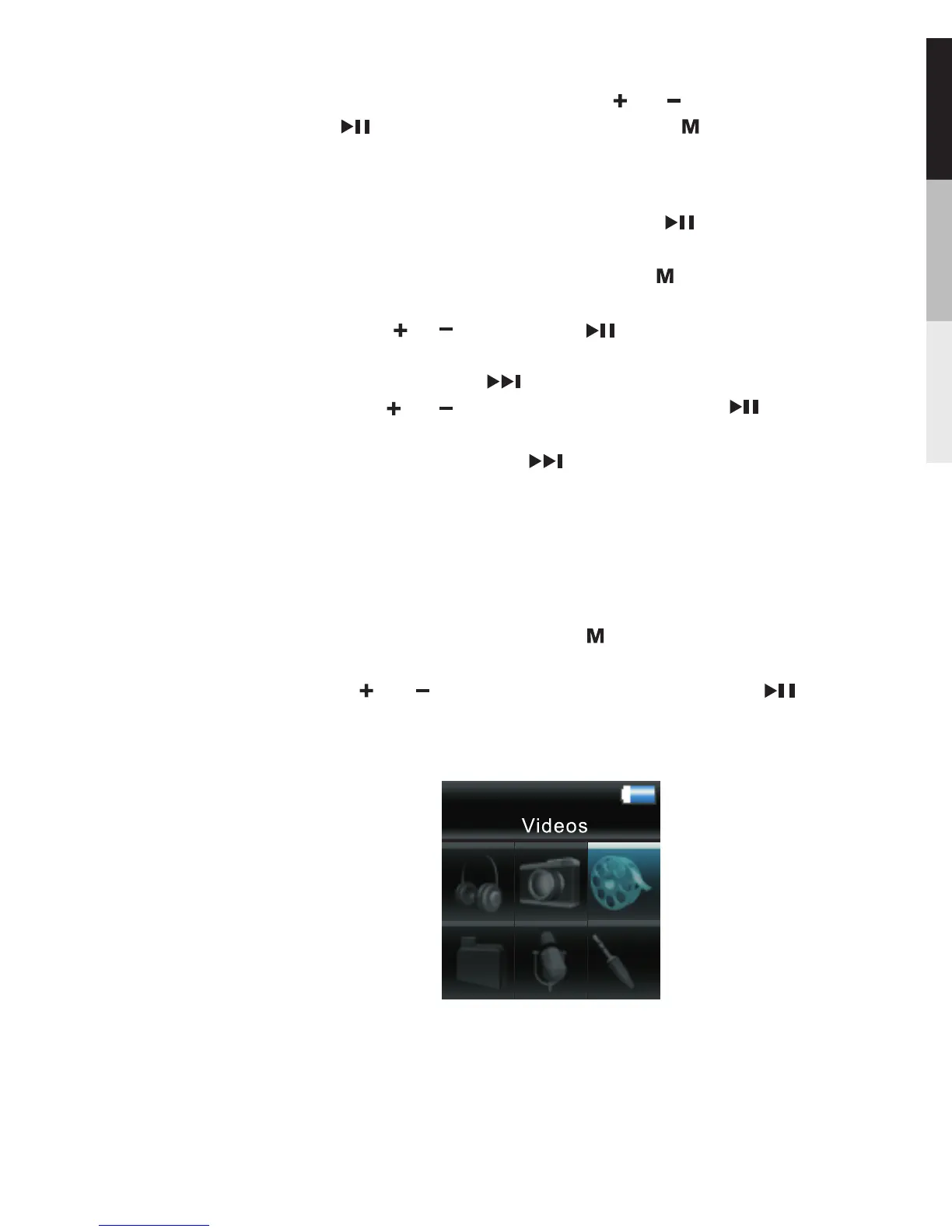
Video Viewing
1.To start video viewing, press twice during playback
to access the Home Menu.
2.Press or to highlight “Video”. Then press to
advance.
Slide show … … This defines the viewing time for
each picture during a slideshow. Press repeatedly to
select among:off,3,5,10 and 15 seconds.
System Into … … Press to show the amount of free
space available and the firmware version.
Settings … … Press to enter the settings menu and
then press or to highlight an item. Press
repeatedly to change settings.
Clearing My Selections … … Press during playback
to access the Player s menu. Highlight “Clear MySel”.
by pressing or .Then press to confirm deletion
of the selected items.
,
In Picture Viewing mode, Press or to select;
press to confirm or change; press to return to
previous menu.
19


 To Next Page