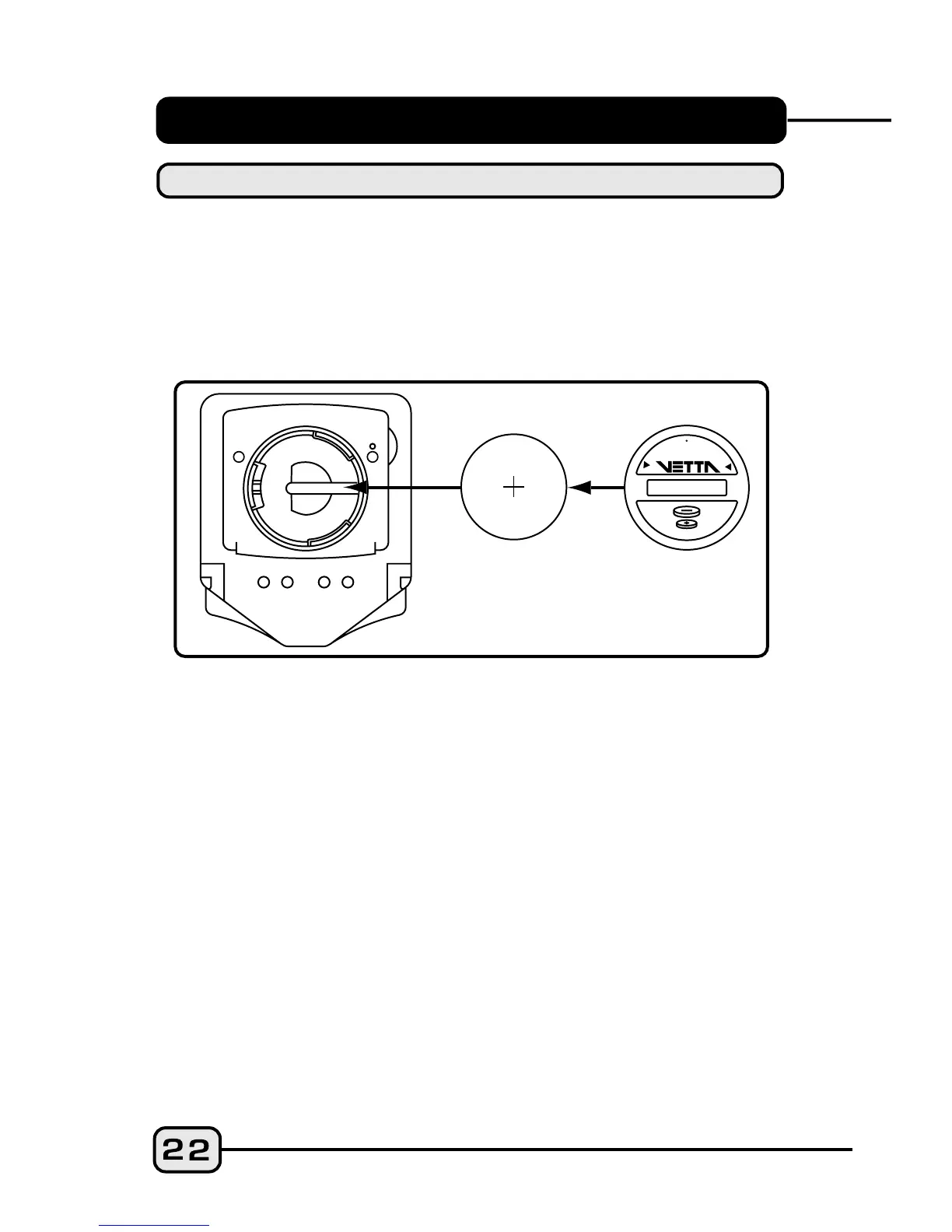
BATTERY INSTALLATION
The V100A head unit uses a CR2032 3V lithium button cell
battery. IMPORTANT: Most cycle computer problems
are caused by weak or dead batteries. See the
Troubleshooting section near the end of this manual for
details.
CAUTION: To avoid damage to the battery cap, do not over
tighten.
Step 1:
Step 2:
Step 3:
Remove the battery cover from the bottom of the
computer using a coin. Remove the old battery.
Install a new battery as shown with the positive (+) side
facing out. Do not touch or bend any of the battery
contacts during installation.
Screw the battery cap firmly into place making sure the
o-ring seal does not get pinched or distorted.
HEAD UNIT
C
R
2
0
3
2
3
V
O
L
T
L
I
T
H
I
U
M
C
E
L
L
O
P
E
N
C
L
O
S
E
C
R
2
0
3
2



 To Next Page