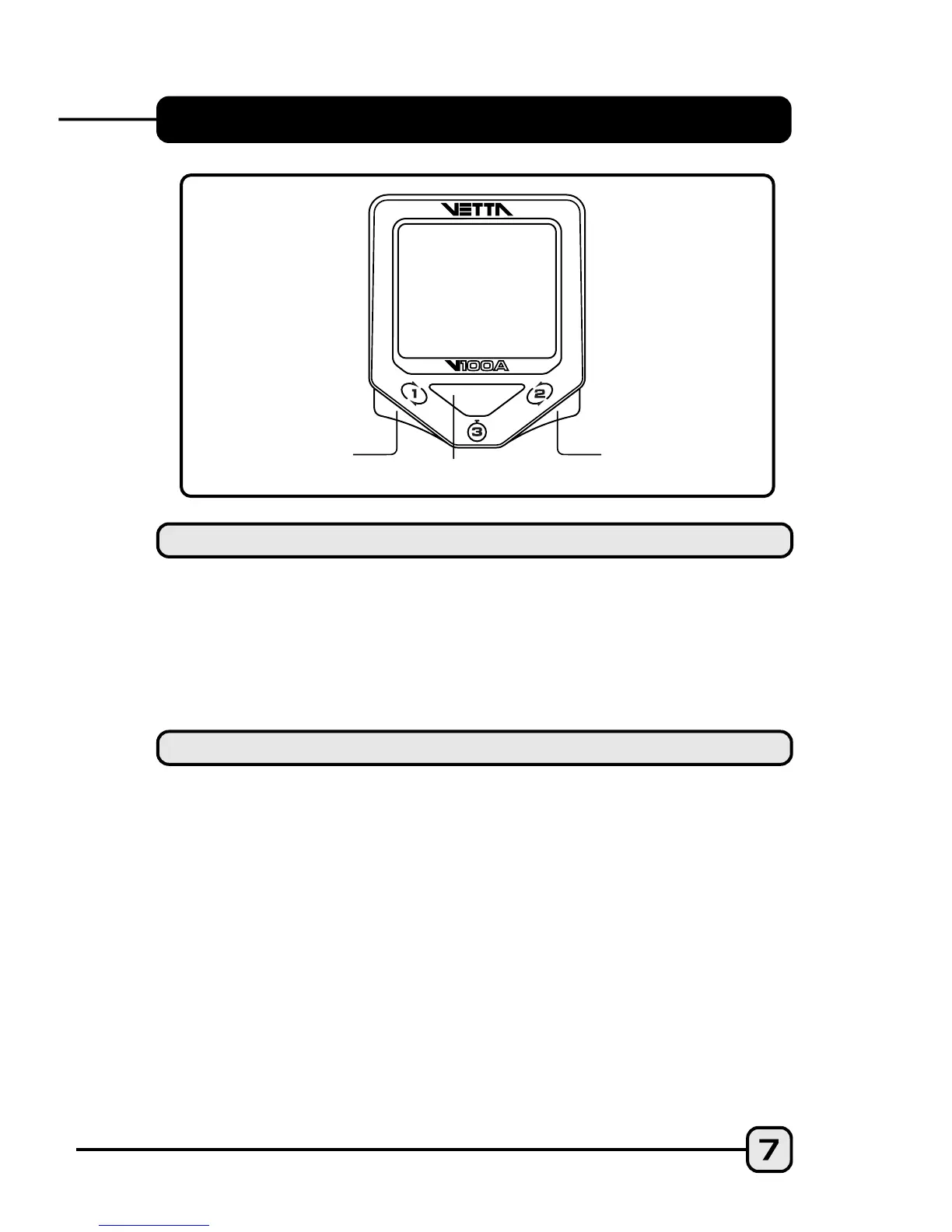
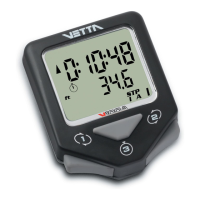
BUTTON FUNCTIONS
Sets digits or units and advances to the next item or
screen.
Advances digits and toggles through units. Hold for
fast advance.
Has no function in Initial Setup.
Button #1
Button #2
Button #3
SETUP MODE
Scrolls through lower level screen symbols and
Freeze Frame display screens.
Hold 2 seconds in Temperature mode (SPD/TMP)
to display Maximum and Minimum Temperature.
Hold 2 seconds in SPD/CAD* screen to display
Average and Maximum Cadence.
Hold 2 seconds in ALT/% screen mode to display
Max % uphill grade and Max % downhill grade.
Hold 2 seconds in STP/ID screen mode to switch to
STP/IA screen mode, or hold 2 seconds in STP/IA
screen mode to switch to STP/ID screen mode.
*(optional)
Button #1
NORMAL OPERATING MODE
Button #1
Button #3
Button #2
•
•
•
•


 To Next Page