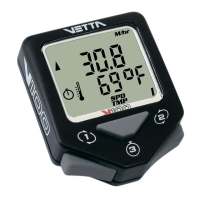
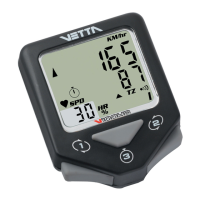
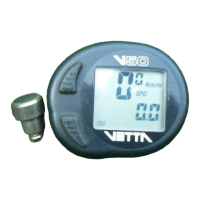
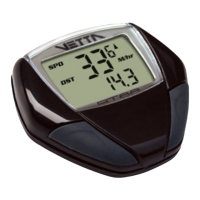
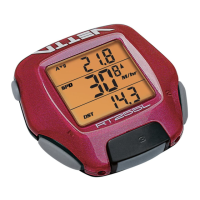
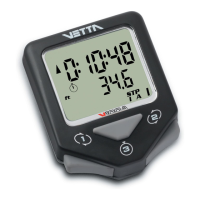
The V100 series computers are programmed with a Bi-Level
Memory which returns to the last screen function accessed
between the upper and lower screen modes. See illustration for
this sequence and instructions on how to advance from one
screen to the next.
V100A SCREEN DISPLAY SEQUENCE:
BI-LEVEL MEMORY
Scrolls through upper level screen symbols. Press
and hold 2 seconds in any primary screen mode
to activate Freeze Frame memory. Resets RT to
zero for Service Timer.
Starts and stops the timers and Stopwatch and is
used to reset timers, Stopwatch and other ride
data to zero. Exits Normal Operating Mode (NOM)
Setup and advances to NOM System Check and
SPD/DST screen mode.
With RT/TT timers turned OFF, hold both buttons
simultaneously for 2 seconds in the SPD/DST
primary screen to enter NOM Setup for bicycle
functions. Hold simultaneously for 2 seconds in
the ALT/% screen to enter Pre-Ride Altimeter
Calibration Setup.
Button #2
Button #3
Buttons 1&2


 To Next Page