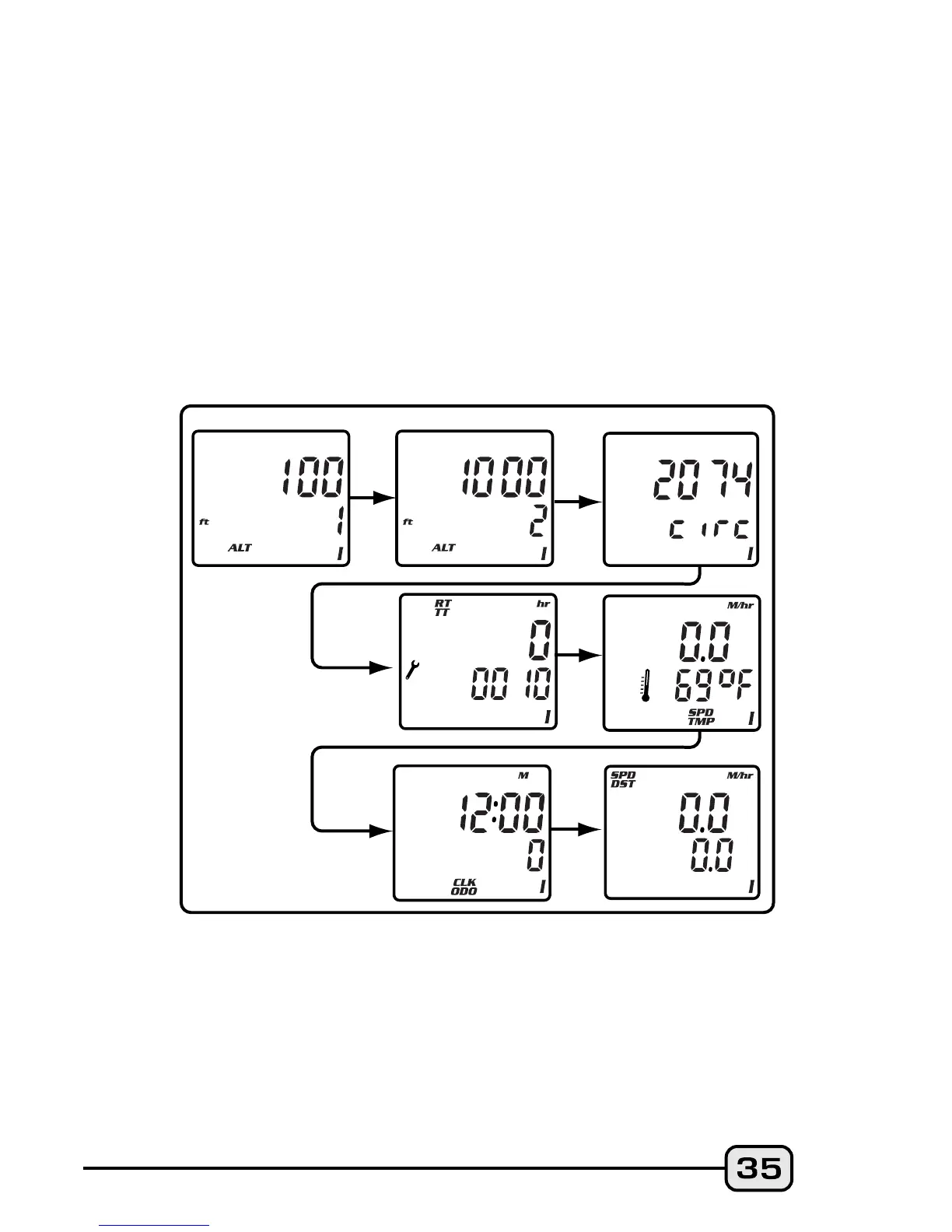
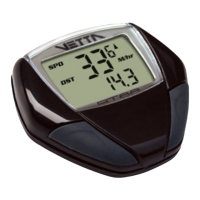
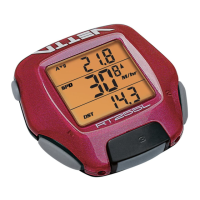
To change any values or correct any unit errors made during
Initial Setup, you must re-enter the Setup program in NOM by
pressing Buttons #1 and #2 simultaneously for 2 seconds in the
SPD/DST screen mode with the RT/TT timers deactivated.
Note: System Check is activated in two ways: A) Automatically
at the end of either Initial or NOM Setup and B) By pressing
Button #3 at any time during NOM Setup. To exit System Check
manually in NOM Setup, press Button #3 to return to the SPD/DST
primary screen mode.

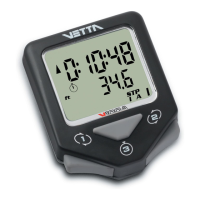

 To Next Page