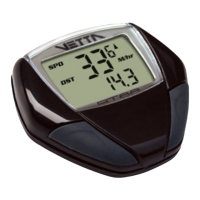
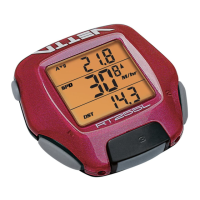
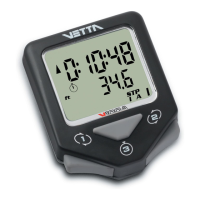
To calibrate the Altimeter, access the
Pre-Ride Altimeter Calibration Setup
program in NOM from the ALT/%
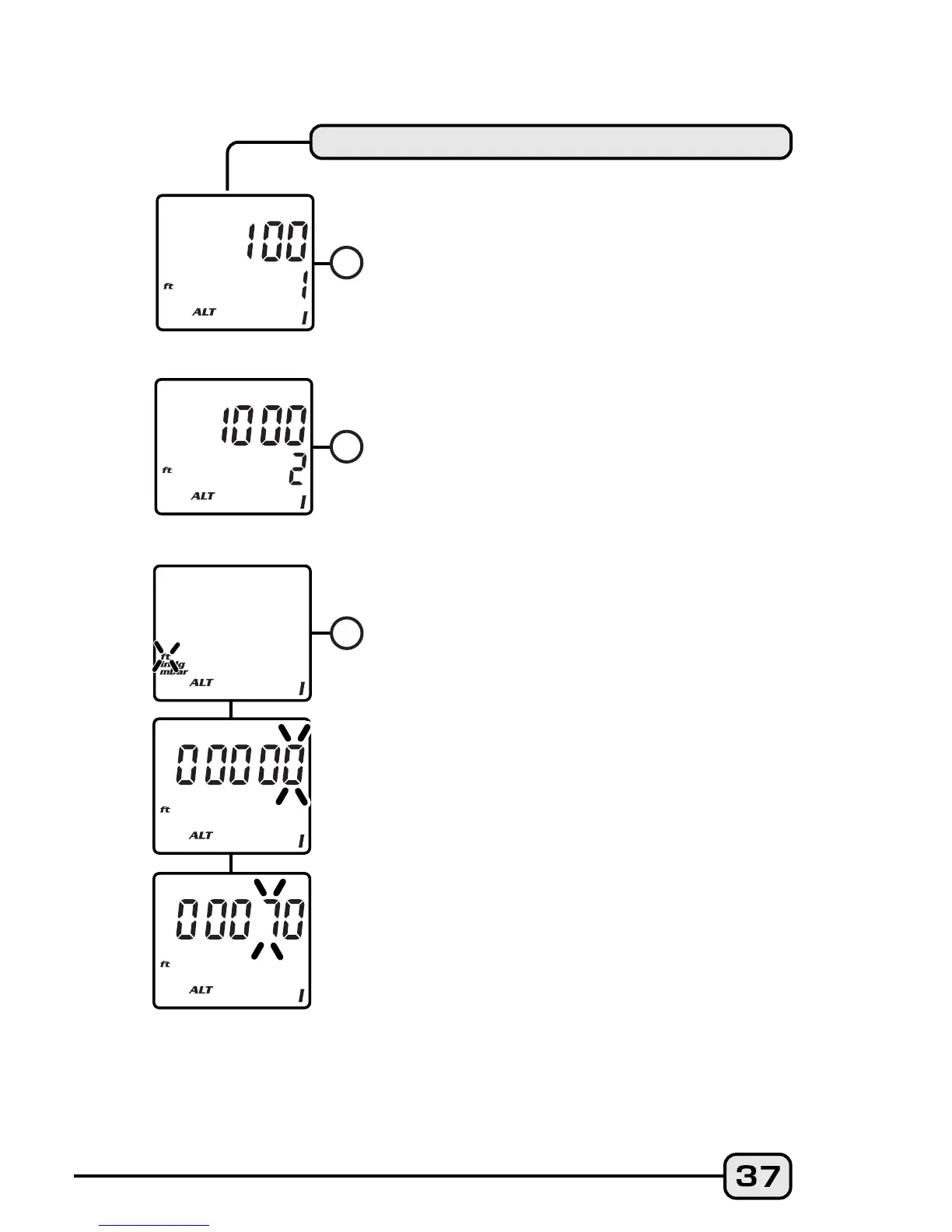
screen. Press both Buttons #1 and #2
simultaneously for 2 seconds to enter the
Setup screens for Altimeter Calibration. A)
The first screen shows the Memory 1
Altimeter setting. Press Button #1 to
select that altitude setting, or B) Press
Button #2 to advance to the Altimeter
Memory 2 setting and press Button #1 to
select. Or, C) Press Button #2 again to
advance to the Manual Altimeter
Calibration screen. Press Button #1 to
advance to the Manual Elevation
Setting. On the upper line the digits
"00000" will appear with the right digit
flashing. A known elevation may be
entered in this screen by pressing Button
#2 to increase the flashing digit to the
desired number (in feet or meters). Press
Button #1 to select the correct digit and
advance. Continue to enter numbers in
this manner to reach the current
elevation (pre-ride) until the entry is
complete, then press Button #1 to select
it and return to the (newly calibrated)
ALT/% screen.
PRE-RIDE ALTIMETER CALIBRATION
A
BB
C


 To Next Page