05
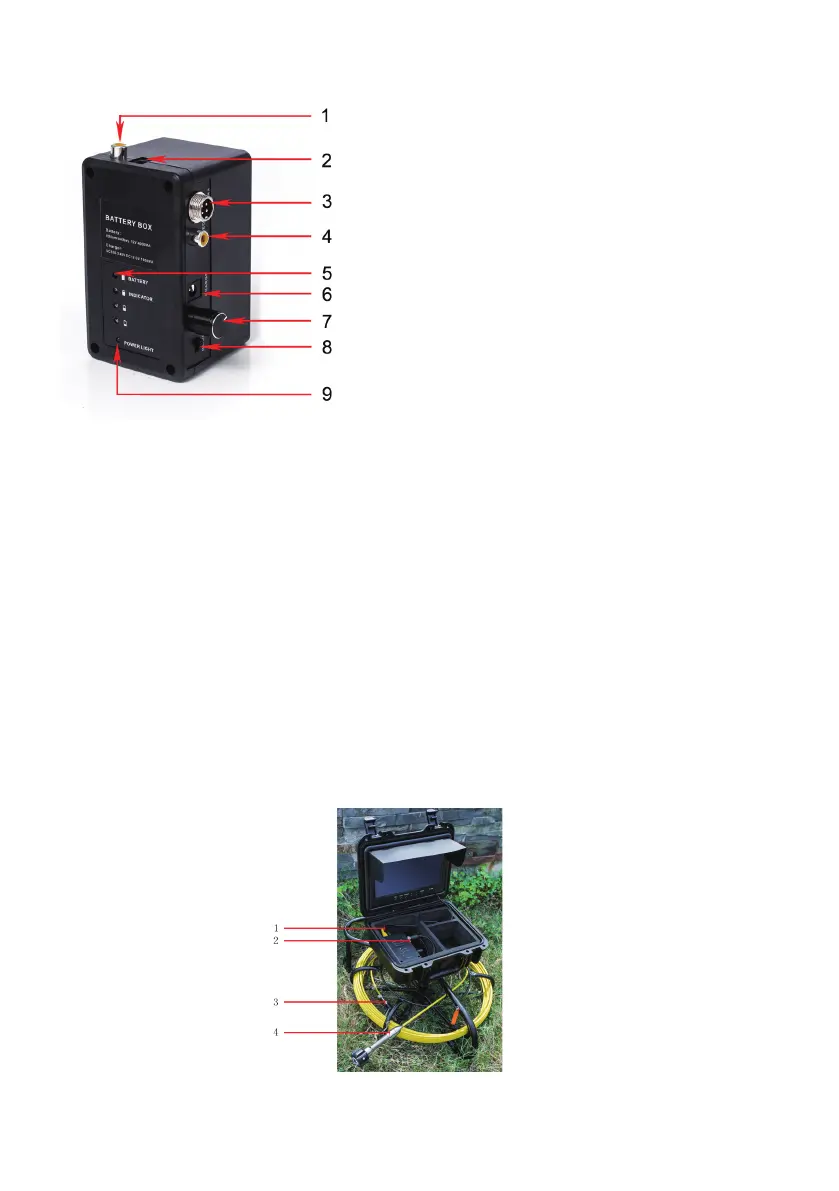
Picture 1
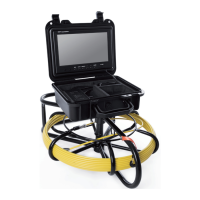
1. Vital: turn o the power switch, connect the video camera and the monitor, or the video camera and
the monitor may be damaged.
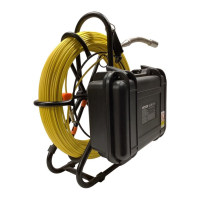
2. Connect the camera to 3-coil plug, 2-cell box and the 1-monitor. (Pic.1)
3. Turn on the power switch in the power box, the indicator light of the monitor is on, the switchboard
stas.
4. Install the video camera with the protective cover slightly and put it into the pipe, rotate the coil to a
proper depth.
5. Adjust LED light degree adjuster to proper light degree.
For videotape, refer to the DVR operation details (display operation:Recording Type )
6. Switch video to another large screen through video line.
7. After utilization, mover the camera from the pipe carefully, take a clean, soft and d cloth to clear up
it and put it back.
System Installation
1. Monitor Video
2. Power of Monitor
3. Adjacent Coil Plug
4. AV Output
5. Batte Indicator
6. Power Input for Charger
7. Light-Degree Adjustment for White Light LED
8. Power Switch
9. Power Light
3. Cell Box


 To Next Page