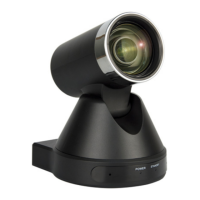
VHD-V71U2
DATASHEET - MANUAL
> KEY DESCRIPTION
1. STANDBY BUTTON
Press this button to enter standby mode. Press it
again to enter normal mode.
Note: Power consumption in standby mode is
approximately half of the normal mode.
2. POSITION BUTTONS
To set preset or call preset.
3. *BUTTON
Used with other buttons.
4. SET/PRESET BUTTONS
Set preset: Store a preset position.
[SET PRESET] + Numeric button (0-9): Setting a
corresponding numeric key preset position.
5. PAN-TILT CONTROL BUTTONS
Press Pan-Tilt back to the middle position.
6. BACK BUTTONS
Press the OSD menu return to the superior.
7. ZOOM BUTTONS
Slow Zoom: Zoom In [+] or Zoom Out [-] slowly.
Fast Zoom: Zoom In [+] or Zoom Out [-] fast.
8. PAN-TILT L/R SET
Press with 1 buttons and 2 buttons setting the
direction of the Pan-Tilt.
• Simultaneously press L/R Set + 1 [STD]: set the
Pan-Tilt turn the same direction as the L/R Set.
• Simultaneously press L/R Set + 2 [REV]: set the
Pan-Tilt turn the opposite direction as the L/R Set.
9. FOCUS BUTTONS
Used for focus adjustment. Press [AUTO]
adjust the focuses on the center of the object
automatically. To adjust the focus manually.
Press [MANUAL] adjust the focus on the center of
the object manual. MANUAL button, and adjust it
with [Far] (Focus on far object) and [NEAR] (Focus
on near object).
10. CAMERA SELECT BUTTONS
Press the button corresponding to the camera you
want to operate with the remote controller.
11. # BUTTON
Used with other buttons.
12. SET CAMERA IR ADDRESS BUTTONS
[*]+[#]+[F1]: Address 1
[*]+[#]+[F2]: Address 2
[*]+[#]+[F3]: Address 3
[*]+[#]+[F4]: Address 4
13. CLEAR PRESET BUTTONS
Clear preset: Erase a preset position.
[CLEAR PRESET] + Numeric button (0-9) Or:
[*]+[#]+[CLEAR PRESET]: Erase all the preset
individually.
14. PAN/TILT CONTROL BUTTONS
Press arrow buttons to perform panning and
tilting. Press [HOME] button to face the camera
back to front.
15. MENU
MENU: enter or exit OSD MENU.
16. BLC (BACKLIGHT COMPENSATION) BUTTON
BLC ON/OFF: press this button to enable the
backlight compensation. Press it again to disable
the backlight compensation.
NOTE:
• Effective only in auto exposure mode.
• If a light behind the subject, the subject will
become dark. In this case, press the backlight
ON/OFF button. To cancel this function, press
backlight ON/OFF button.
17. PAN/TILT RESET
Preset Pan/Tilt self-test.
18. IMAGE FREEZING FUNCTION
Manually freeze: open the freezing function after
press the remote control [F4], display “Freeze” on
the left upper corner character, after ve seconds
display disappear automatically. If you want to
cancel the freeze, press [F4] key and then can
return to normal, display “Unfreeze” on the left
upper corner, after ve seconds display disappear
automatically.
Recalling the Preset image Freeze: by the OSD
Menu Setting “Recalling the Preset image Freeze”
function. After the function is opened, the screen
will stay in before Recalling the Preset when
Recalling the Preset, the screen can be switched to
the preset position screen until the camera points
to the preset position.
19. SHORTCUT SET
[*]+[#]+[1]: OSD menu default English
[*]+[#]+[3]: OSD menu default Chinese
[*]+[#]+[5]: Save OSD
[*]+[#]+[6]: Quickly recover the default
[*]+[#]+[8]: Look the camera version
[*]+[#]+[9]: Quickly set up inversion
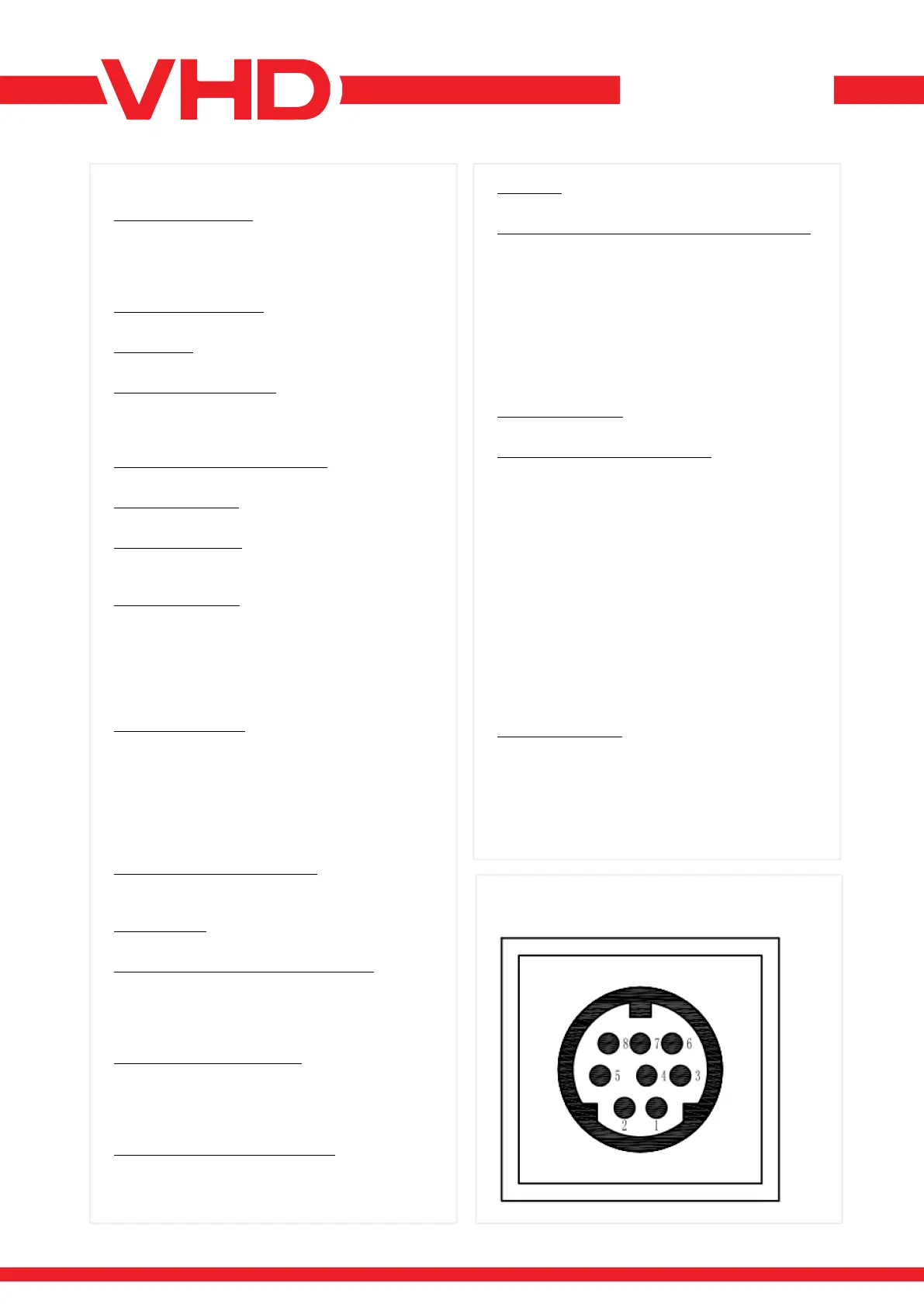
> RS-232 INTERFACE


 To Next Page
 Loading...