27
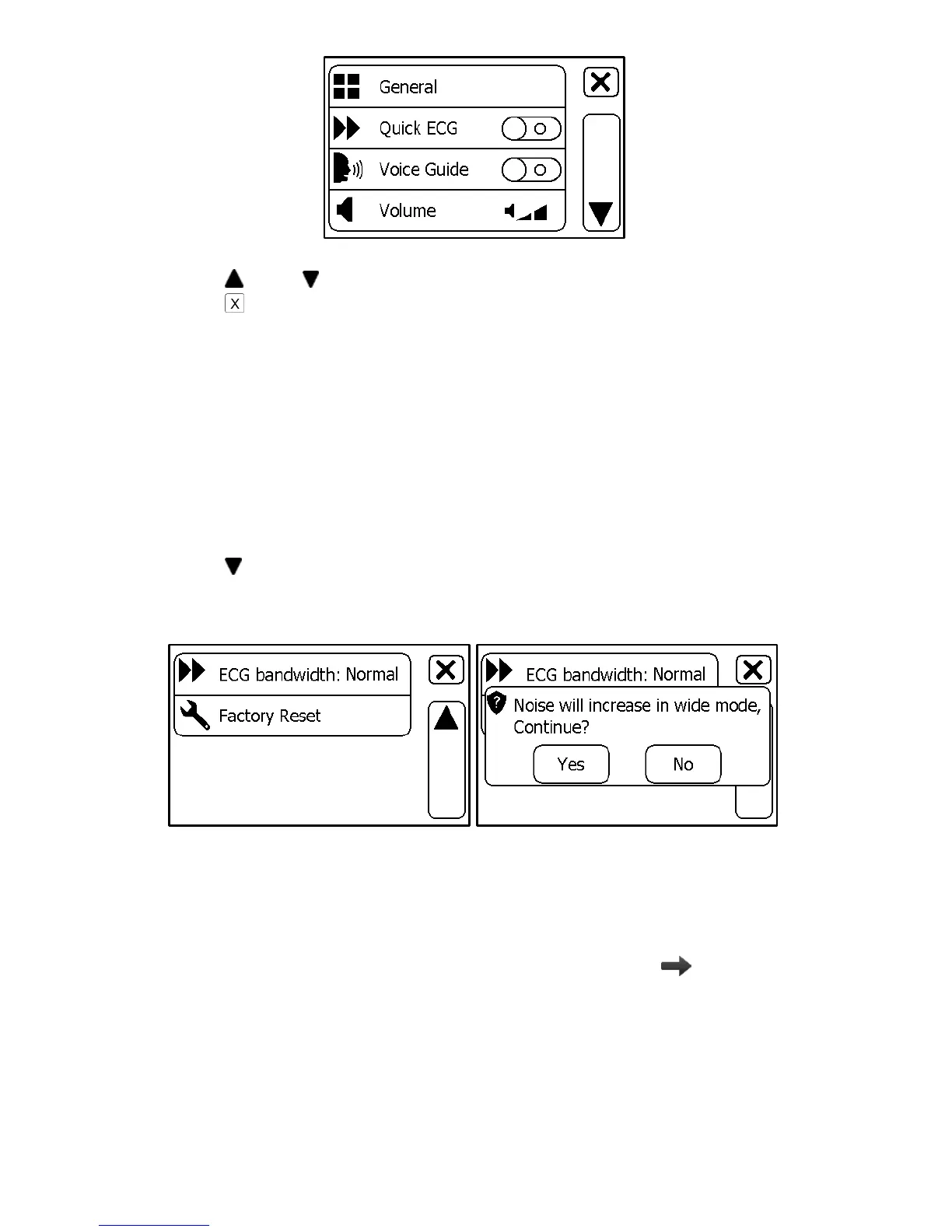
In the Settings menu, you can
Tap and button to page up or down
Tap to close the Settings menu
5.2 Choosing Language
1. In the Settings menu, choose <General>.
2. Choose <Language>.
3. Choose the language from the list.
5.3 Setting ECG Bandwidth
1. In the Setting menu, choose <General>.
2. Tap to page down.
3. Tap the <ECG bandwidth> area to change between Normal and
Wide.
5.4 Setting Date & Time
1. In the Settings menu, choose <General>.
2. Choose <Date & Time>.
3. Tap “+” or “-” button to change the date, then tap .
4. Tap “+” or “-” button to change the time.



 To Next Page