32
6.5 Review Sleep Monitor
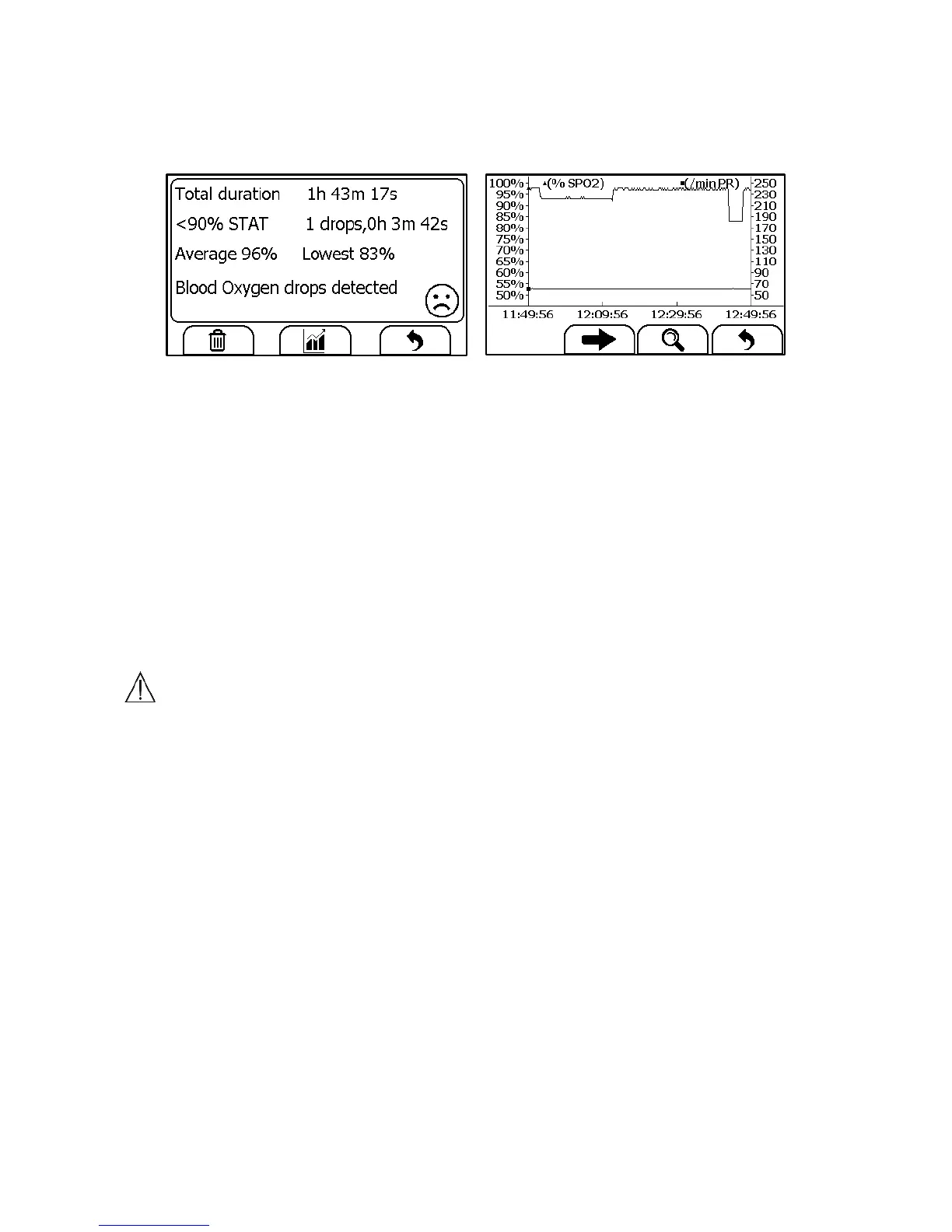
To review Sleep Monitor records, in the <Data Review> menu, select
<SleepMonitor>.
The operations you can perform is the same with Daily Check. However
there is no waveform and audio memo to replay. To better review the SpO2
trend during sleep, it is suggested to use the Checkme Mobile application.
6.6 Review Pedometer
To review Pedometer records, in the <Data Review> menu, select
<Pedometer>. The operations you can perform is almost the same with
Pedometer Recorder. However there is no voice memo.
7. Maintenance
Warnings and Cautionary Advices
Have the device repaired by authorized service centers only,
otherwise its warranty is invalid.
7.1 Warranty
The product is warranted to be free from defects in materials and
workmanship within warranty period when used in accordance with the
provided instructions.
7.2 Battery
This monitor is designed to operate on rechargeable Lithium-ion battery.
The battery is charged automatically when the monitor is connected to AC
power or devices which can output electronic power through USB


 To Next Page