28
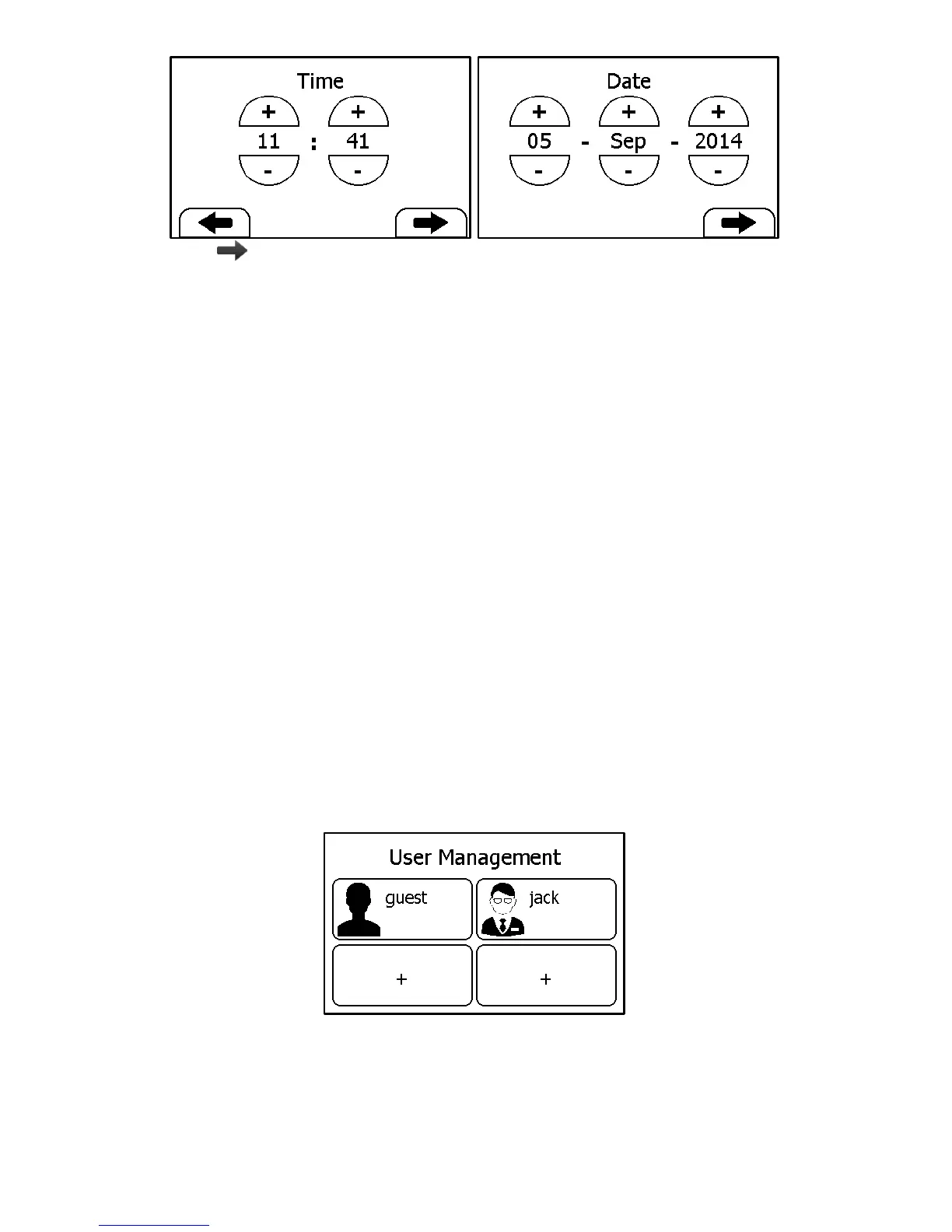
5. Tap to finish the setting.
5.5 Enabling/Disabling Quick ECG
1. In the Settings menu, choose <General>.
2. Tap <Quick ECG> to enable or disable this function.
5.6 Changing Sound Volume
In the Settings menu, tap the <Volume> area to change volume directly.
“X” means the volume is turned off.
5.7 Changing Temperature Unit
In the Settings menu, tap the <Thermometer> area to change between
Celsius degree (°C ) and Fahrenheit degree (°F).
5.8 User Management
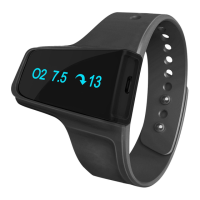
To use the Daily Check measurement, you must create your account. If the
Daily Check measurement is used by more than one user, then each user
must create his/her own account.
To create a user account:
1. In the Settings menu, choose <User Management>.
2. Tap a “+” button to open the menu below.
3. Tap each button to edit corresponding information. Make sure you
input the correct information, especially your height, which may
affect the accuracy of your blood pressure readings.


 To Next Page