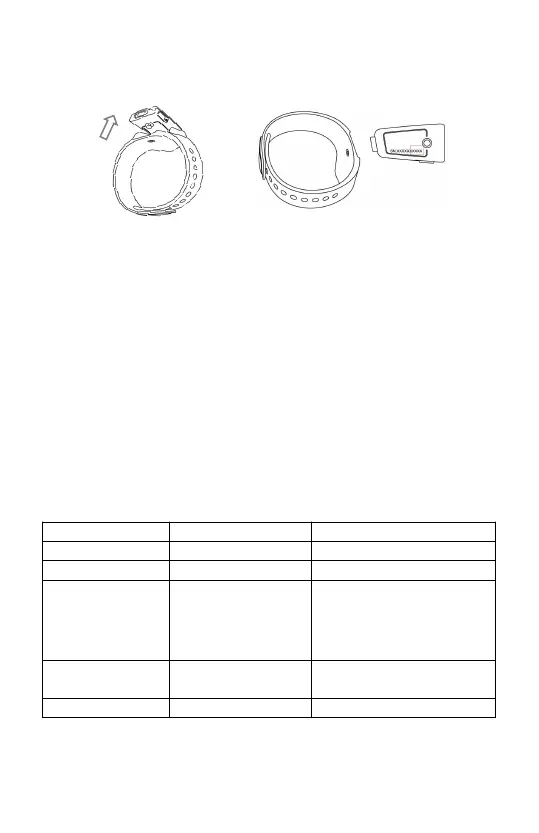
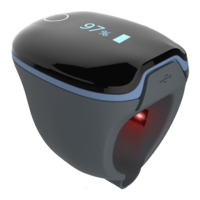
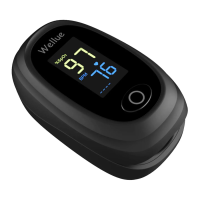
2)Flip the main unit over, the series number is
printed on the label of product.
Note:
The SN Serial number is on the back of the device
2.5 How to synchronize the time of the device
The time of the Checkme 02 will be automatically
synchronized with the network time on your smart
device after connected with the app.
Note: Refer the ViHealth app manual for more details.
2.6 Operation Mode Navigation
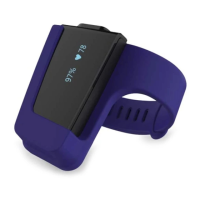
The device has two operation modes: Sleep Mode
and Monitor Mode.
Turn on the device, during the icon blinking, press the
button to switch between two modes.
When SpO
2
is
lower than
threshold set
When SpO
2
is lower
than threshold set;
Or when step goal is
met
On when the
screen lights up


 To Next Page