EasyManua.ls Logo

Viatom Visual Oxy - User Manual

Viatom Visual Oxy
68 pages
Print Icon
To Next Page IconTo Next Page
Loading...
Visual Oxy
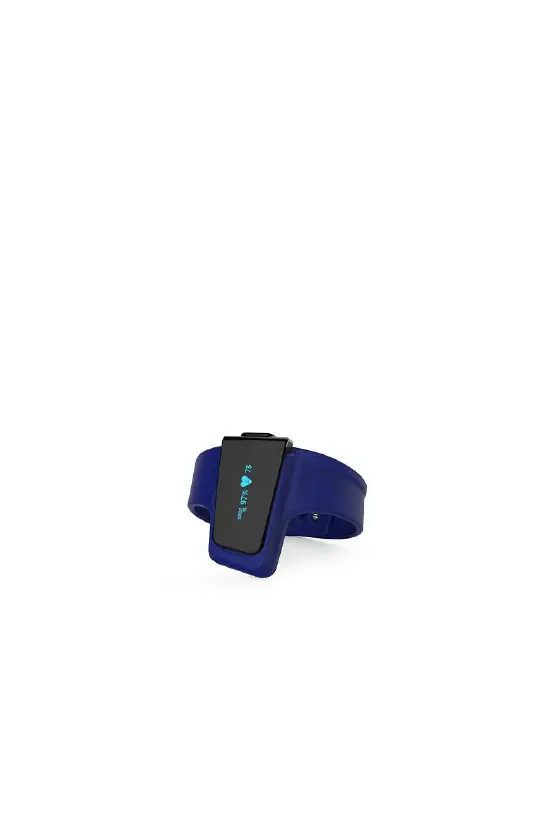
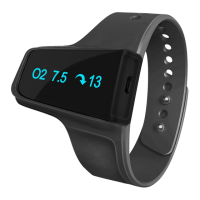
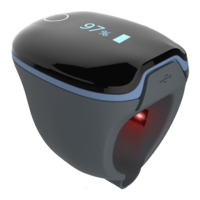
Wrist Pulse Oximeter
User Manual
English|Deutsche|Italiano|Español|Français

Questions and Answers

Summary

Introduction

Intended Use

Describes the intended purpose and use of the pulse oximeter device for measuring SpO2 and pulse rate.

Guide to Symbols

Explains the meaning of various symbols used on the device and in the manual for user understanding.

Unpacking

Details the components included in the product package and how to unpack them for initial setup.

Using the Monitor

Charging

Instructions on how to charge the device's battery using a USB connection before initial use.

POWER ON;OFF

Procedures for turning the device on and off, including automatic power-off functionality.

TAKE THE FIRST RECORDING

Step-by-step guide on how to wear the device and start a measurement for the first time.

Stop monitoring & sync data

How to stop monitoring, resume a record, and prepare data for synchronization with an app.

How to synchronize the time of the device

Information on automatically synchronizing the device's time with a smartphone via the app.

Operation Mode Navigation

Explains the two distinct operation modes: Sleep Mode and Monitor Mode.

Smart Vibration

Details on the smart vibration feature, activated by SpO2 levels, and its customization.

Download App

Instructions for downloading the companion ViHealth app for iOS and Android devices.

Bluetooth Connection

Guidance on establishing a Bluetooth connection between the device and a smart device.

Display

Description of the information displayed on the device screen, including time and battery status.

PC Software (Optional)

Download the PC Software

Instructions for downloading and installing the O2 Insight Pro software for PC.

How to connect the Checkme O2 Pro to PC

Steps to connect the device to a PC for data transfer and report generation.

How to connect the Checkme O2 Pro to Mac

Instructions for connecting the device to a Mac for data synchronization.

Maintenance

Cleaning

Guidance on how to clean the device surface using a soft cloth moistened with water or alcohol.

Battery

Recommendations for maintaining battery health, including charging intervals when not in use.

Troubleshooting

Specifications

Electromagnetic Compatibility

Viatom Visual Oxy Specifications

General IconGeneral
SpO2 Range70% - 99%
ConnectivityBluetooth
CompatibilityiOS, Android
TypePulse Oximeter
DisplayOLED
Measurement ParametersSpO2, Pulse Rate, Perfusion Index
Accuracy Pulse Rate±2 BPM

Related product manuals