028 -0427-15 _UI-V T8350_ A4 _ EN www.viconics.com June 2020
29
VT8350 [ User Interface Guide ]
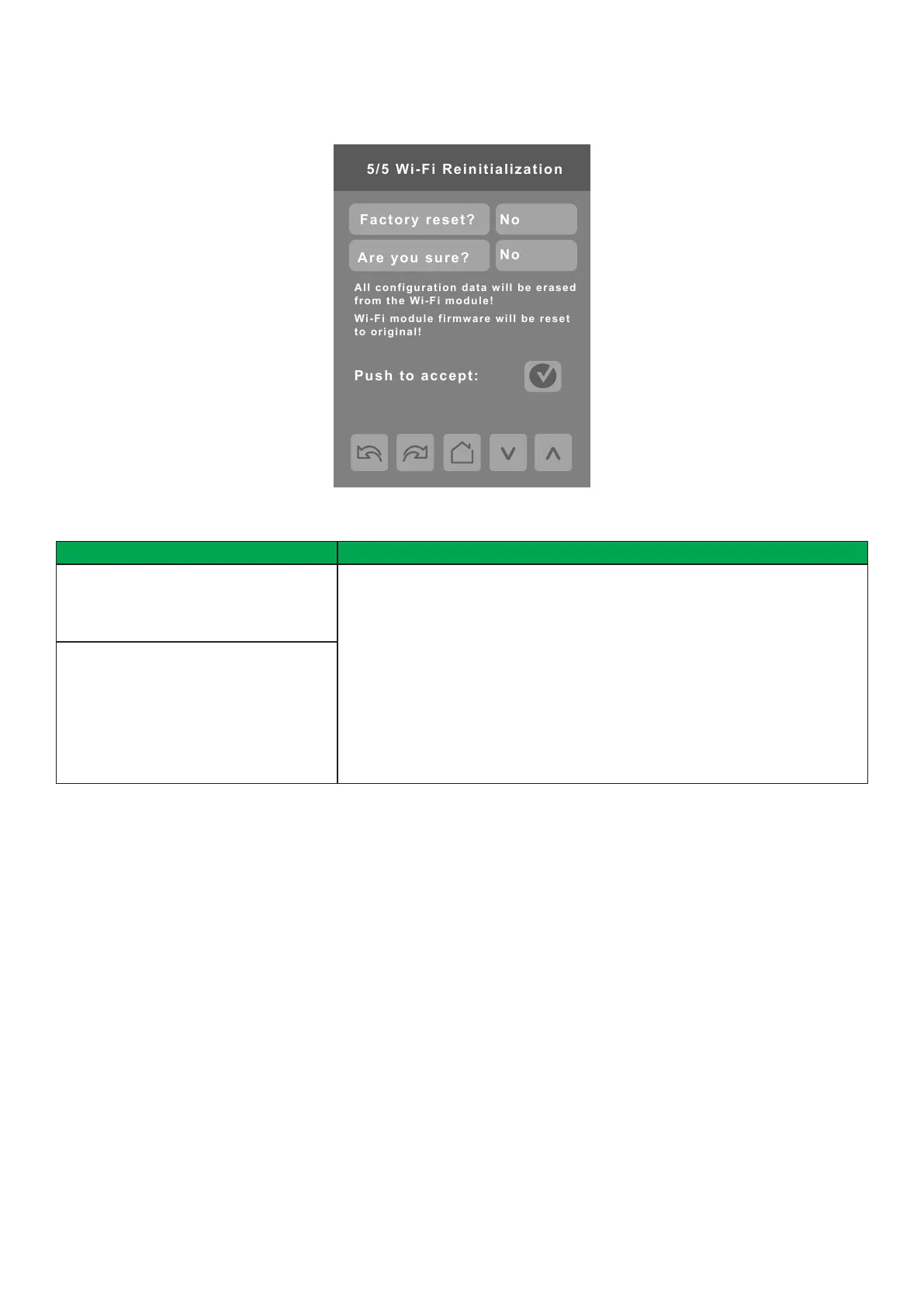
5/5 Wi-Fi Reinitialization
All configuration data will be erased
from the Wi-Fi module!
Wi-Fi module firmware will be reset
to original!
Conguration Parameters Default Value Signicance and Adjustments
Factory reset?
Default value: No
Erase All
Accepting Yes for both and then tapping ‘Push to accept’ will restore the Wi-Fi
module to the factory settings, erase all conguration data and revert the Wi-Fi
module rmware to the factory rmware version.
NOTES:
• If you lose or forget your password for the Conguration Web Page, you must
do a Factory Reset of the Wi-Fi module.
• If your Wi-Fi module was connected to Facility Expert, you will need to contact
your Facility Expert Administrator before the device can be reconnected after a
Factory Reset.
Are you sure?
Default value: No
PARAMETER DETAILS
Wi-Fi 5/5


 To Next Page
 Loading...








