028 -0427-15 _UI-V T8350_ A4 _ EN www.viconics.com June 2020
45
VT8350 [ User Interface Guide ]
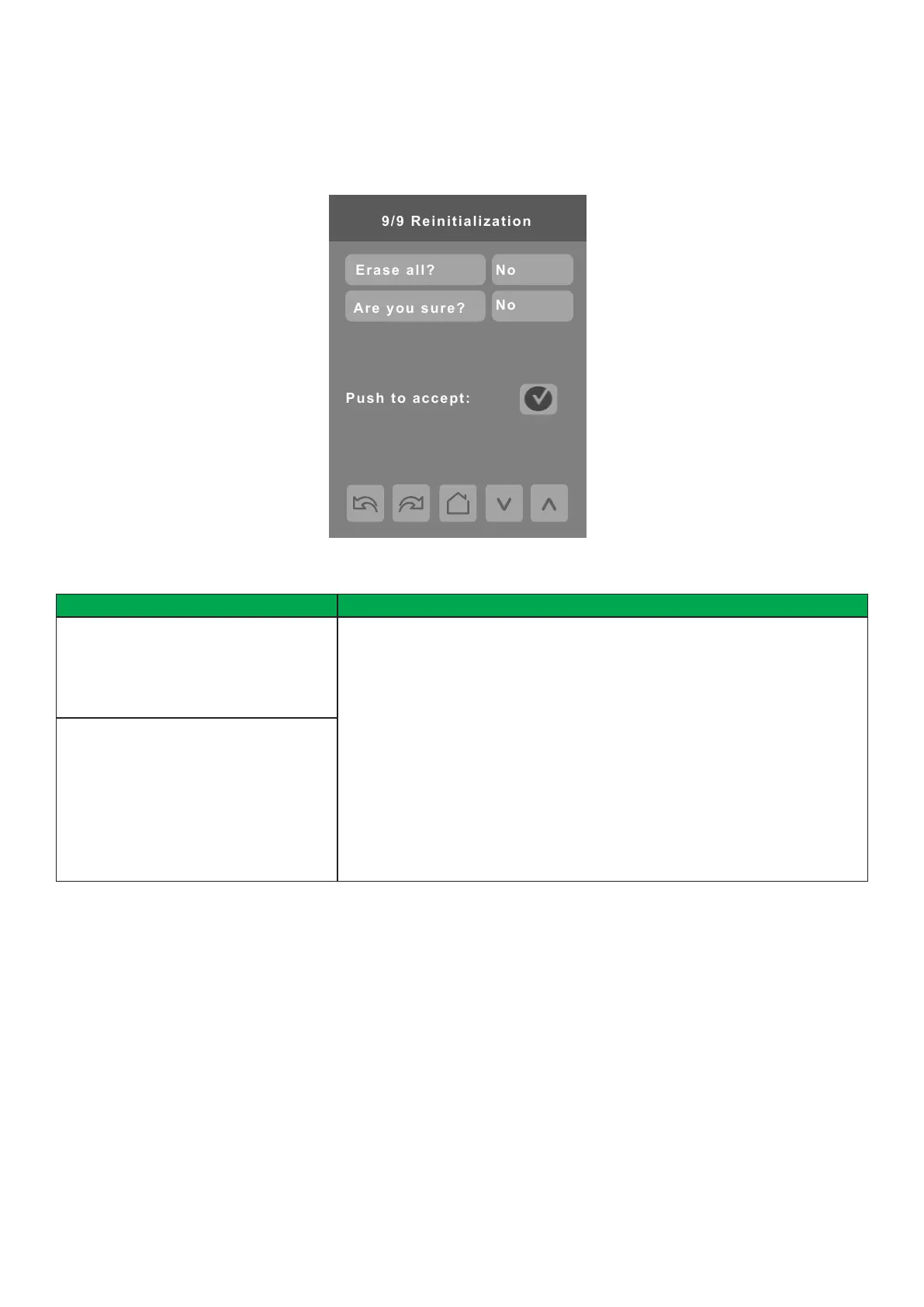
CONFIGURATION 9/9
Conguration Parameters Default Value Signicance and Adjustments
Erase all?
Default value: No
Erase All
Accepting Yes for both and then tapping ‘Push to accept’ returns all values to the
factory default settings with the exception of the following:
• COM address
• Network Units
• Network Language
• Baud Rate
• BACnet Instance
• Device Name
• Screen Contrast
• Lua Script
Note: Node type in ZigBee Network screen returns to default value (Router).
Are you sure?
Default value: No
PARAMETER DETAILS



 To Next Page