028 -0427-15 _UI-V T8350_ A4 _ EN www.viconics.com June 2020
73
VT8350 [ User Interface Guide ]
PARAMETER DETAILS
Conguration Parameters Default Value Signicance and Adjustments
Function
Default value: None
ZigBee Wireless Device Function
Shows status of installed ZigBee wireless device.
None: No status reported to Room Controller
Window: Window sensor installed
Door: Door sensor installed
Motion: Device set to detect motion
Env. data: Temperature, Humidity, CO2 sensor installed
Remove: Removes device from Device list
Water: Water leak sensor installed
Refrig.: Refrigerator temperature sensor installed
Freezer: Freezer temperature sensor installed
Choices: None, Window, Door, Motion, Env. data, Remove, Water, Refrig. and
Freezer
Comm. status
Default value: Offline
Read Only
Communication Status
Shows if device is communicating with Room Controller
Not paired: Device not paired
Online: Device paired and online
Offline: Device paired but ofine
Invalid: Device was paired and Room controller detected a communication error
(selected function does not match paired sensor functionality).
Display Readings: Not paired, Online, Ofine and Invalid
Battery
Default value: None
Read Only
Wireless Device Battery
Shows current status of battery in wireless device.
Display Readings: None, Normal or Low
DEVICE 1-20
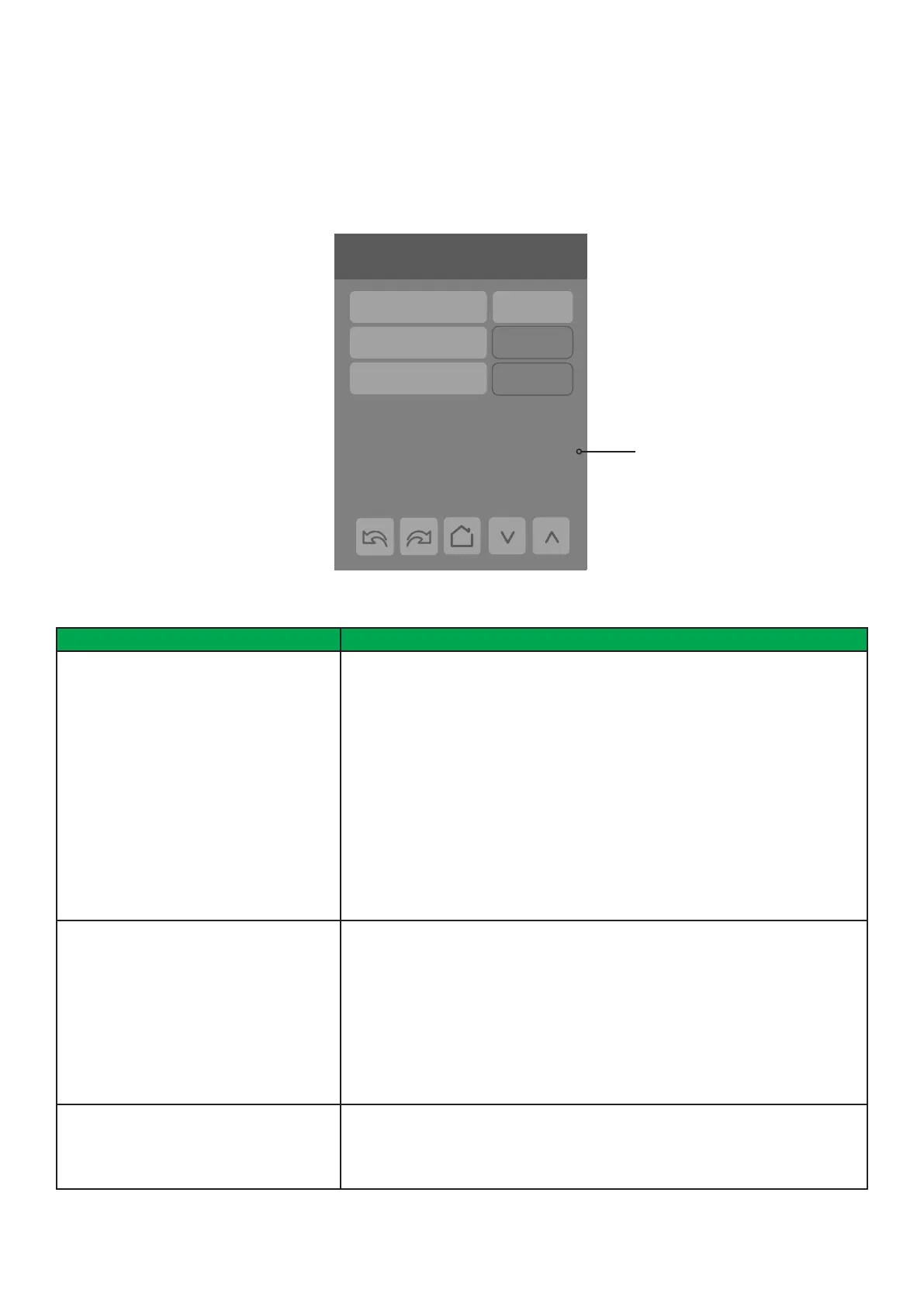
This screen is a subset of the Ecosystems screen and shows data for each paired ZigBee device. The Status, Temperature,
Humidity and CO2 values will only be visible if they are supported by the device.
NOTE: Device X pages will only show up once devices have been paired.
6/7 Configuration
Language English
Units °C
Low backlight 60 %
Night backlight 5 %
RH display Disable
Device X
Function Env. data
Battery Normal
Addr.: 1122334455667788
Comm. status Online
Status:
Temperature:
Humidity:
CO2:
No motion
23.0 °C
25 %RH
500 PPM
Device values



 To Next Page