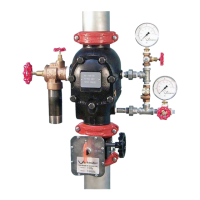
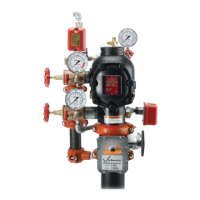
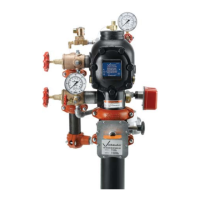
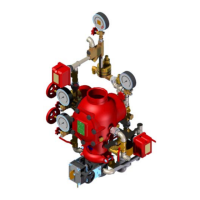
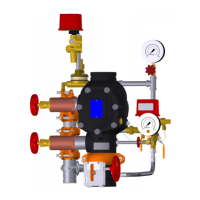
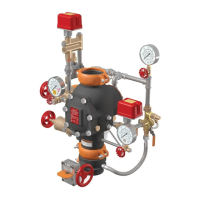
I-751.Europe / European Alarm Check Valve Stations / Installation, Maintenance, and Testing Manual
REQUIRED INTERNAL INSPECTION
Refer to current, applicable local and national fire protection standards
to perform internal inspections. The authority having jurisdiction in the
area may require these inspections on a more frequent basis. Verify
these requirements by contacting the authority having jurisdiction in the
affected area.
1.
Notify the authority having jurisdiction, remote station alarm
monitors, and those in the affected area that the system is being
taken out of service.
2.
Close the water supply main control valve to take the system out of
service.
3. Open the system main drain valve to allow the system to drain
completely. NOTE: If the system has operated, open the remote
system test valve (inspector’s test connection) and any auxiliary
drain valves.
WARNING
• Verify that the valve is depressurized and drained completely
before the cover plate bolts are removed.
Failure to follow this instruction could result in death or serious
personal injury and property damage.
4.
After all pressure is released from the system, loosen the cover
plate bolts slowly. NOTE: DO NOT remove any cover plate bolts
until all cover plate bolts are loosened.
5. Remove all cover plate bolts, along with the cover plate and cover
plate gasket.
CAUTION
• DO NOT use solvents or abrasives on or near the valve body seat
ring.
Failure to follow this instruction could prevent the clapper from
sealing, resulting in valve leakage.
6. Rotate the clapper out of the valve body. Inspect the clapper seal
and seal retaining ring. Wipe away any contaminants, dirt, and
mineral deposits. Clean out any holes that are plugged in the valve
body seat ring. DO NOT USE SOLVENTS OR ABRASIVES.
7. Inspect the clapper for freedom of movement and physical
damage. Replace any damaged or worn parts by following the
applicable instructions in Section VII.
8. Re-install the cover plate by following the “Installing the Cover
Plate Gasket and Cover Plate” instructions in Section VII.
9.
Place the system back in service by following Section II, Resetting
the System.
I-751.Europe_20REV_G


 To Next Page
 Loading...