290
CB/ICOM
CB Radio / ICOM System
CB Channels
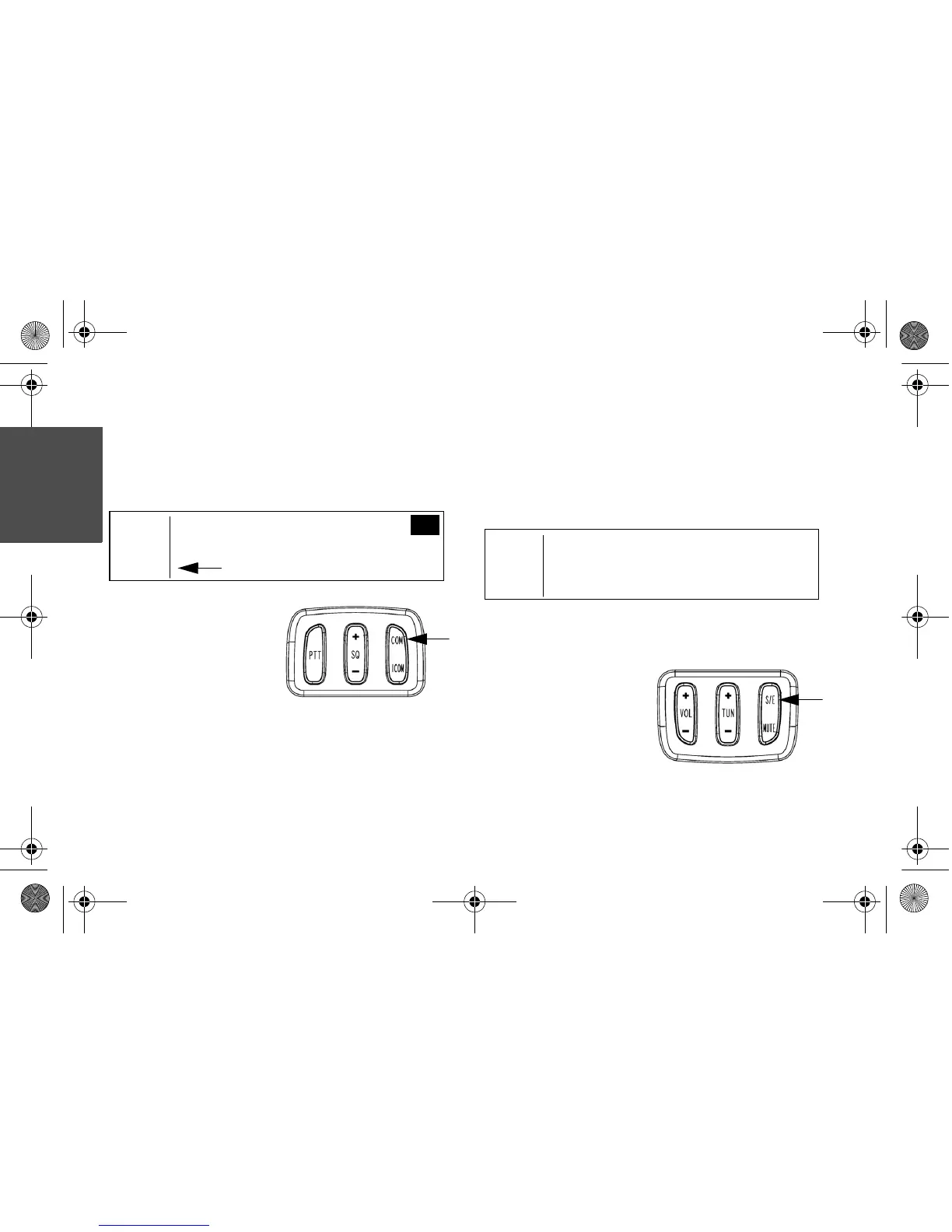
When the CB radio system is active, “CB”
and the active channel will display.
Press and hold
COM on the upper
left control to
access the
CHANNEL
ADJUST screen.
Push COM or ICOM on the left control or
(+) or (-) on the console panel to change
channels.
Tip: Changing to a new channel may require
changing the squelch setting.
Press S/E on the left
control to exit the
screen and return to
the main display.







 To Next Page