EasyManua.ls Logo

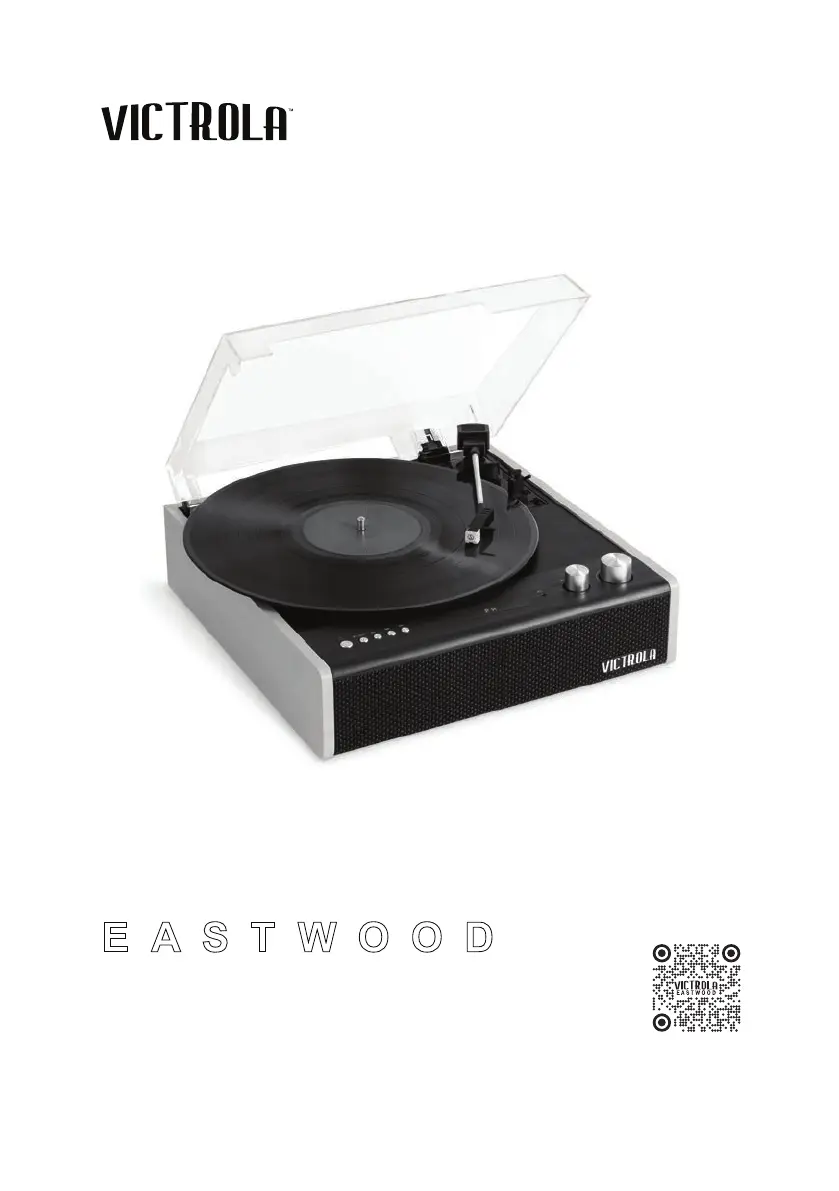
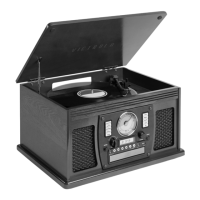
Victrola EASTWOOD - User Manual

Victrola EASTWOOD
15 pages
Print Icon
To Next Page IconTo Next Page
Loading...
PLEASE READ THIS INSTRUCTION MANUAL CAREFULLY
BEFORE USE AND KEEP IT FOR FUTURE REFERENCE.
EASTWOOD
THE
MODEL: VTA-72
INSTRUCTION MANUAL
SCAN THE CODE
TO LEARN ABOUT YOUR NEW
HYBRID TURNTABLE!

Questions and Answers

  • J
    James MyersJul 29, 2025
    What to do if there is no sound output from Victrola EASTWOOD Turntable speakers?
    • M
      mgomezJul 29, 2025
      If you're not getting any sound from your Victrola Turntable speakers, check these: * Make sure the volume isn't set too low. Adjust the volume to a suitable level. * Verify that the input selector matches the source you're using for playback. Select the correct input source.
  • D
    dcannonAug 3, 2025
    How to fix a Victrola Turntable that will not power on?
    • E
      ebarronAug 3, 2025
      If your Victrola Turntable won't power on, the first thing to check is whether it's properly plugged in. Connect the DC power adapter to the jack.
  • J
    Justin AliAug 8, 2025
    Why is my Victrola Turntable sound distorted?
    • S
      Sharon HernandezAug 8, 2025
      If you're experiencing noise or distortion in the sound output of your Victrola Turntable, it could be due to interference. The unit might be too close to a TV or another device. Try turning off the TV or other appliance and relocating the unit.
  • A
    Allison FordAug 13, 2025
    What causes decline in audio performance of Victrola EASTWOOD?
    • M
      millerleroyAug 13, 2025
      A decline in audio performance of your Victrola Turntable may indicate that the stylus is worn out. Consider replacing the stylus.
  • H
    hansonbrittanyAug 17, 2025
    What to do if Victrola Turntable fails to respond?
    • J
      Jeffrey MckinneyAug 18, 2025
      If your Victrola Turntable fails to respond, it might be due to external factors like electrostatic discharge. Disconnect the power cord and any external audio devices, then plug the power cord back in after one minute.
  • K
    Karen EspinozaAug 23, 2025
    Why does my Victrola EASTWOOD Turntable take so long to connect to Bluetooth?
    • B
      brianwatsonAug 23, 2025
      The connection time can depend on the connecting device. Please wait for a moment. Also, try turning OFF your bluetooth device and unit. Then power them both back ON.

Summary

Safety Instructions

Product Overview

Front View

Overview of the controls, display screen, and jacks located on the front of the unit.

Rear View

Description of the connection ports and power input located on the rear of the unit.

Turntable Components

Setup and Basic Operation

Initial Setup

Steps for connecting the power adapter and preparing the unit for first use.

Basic Operation

How to power on, select modes, and adjust volume for playback.

Listening Options

Guidance on connecting to external amplifiers or headphones for audio output.

Condensation Warning

Cautionary advice regarding condensation due to temperature changes.

Vinyl Record Operation

Bluetooth Operation

Connecting via Bluetooth

Process for pairing the turntable with Bluetooth-enabled devices.

Bluetooth Output (BT-OUT)

Guide for using the Bluetooth output to stream audio to external devices.

Maintenance and Handling

Vinyl Record Care

Best practices for handling, cleaning, and storing vinyl records to preserve quality.

Stylus Replacement

Detailed instructions on how to safely replace the turntable's stylus.

Troubleshooting Guide

Specifications

FCC Statement

California Proposition 65 Warning

IC Warning

Warranty Information

Contact Information

Victrola EASTWOOD Specifications

General IconGeneral
Drive TypeBelt Drive
Speeds33 1/3, 45, 78 RPM
BluetoothYes
Built-in SpeakersYes
RCA OutputYes
Headphone JackYes
TonearmAluminum
PlatterAluminum
USB OutputYes
CartridgeAudio Technica AT-3600LA
Power SourceAC Adapter
ColorBlack

Related product manuals