EasyManua.ls Logo

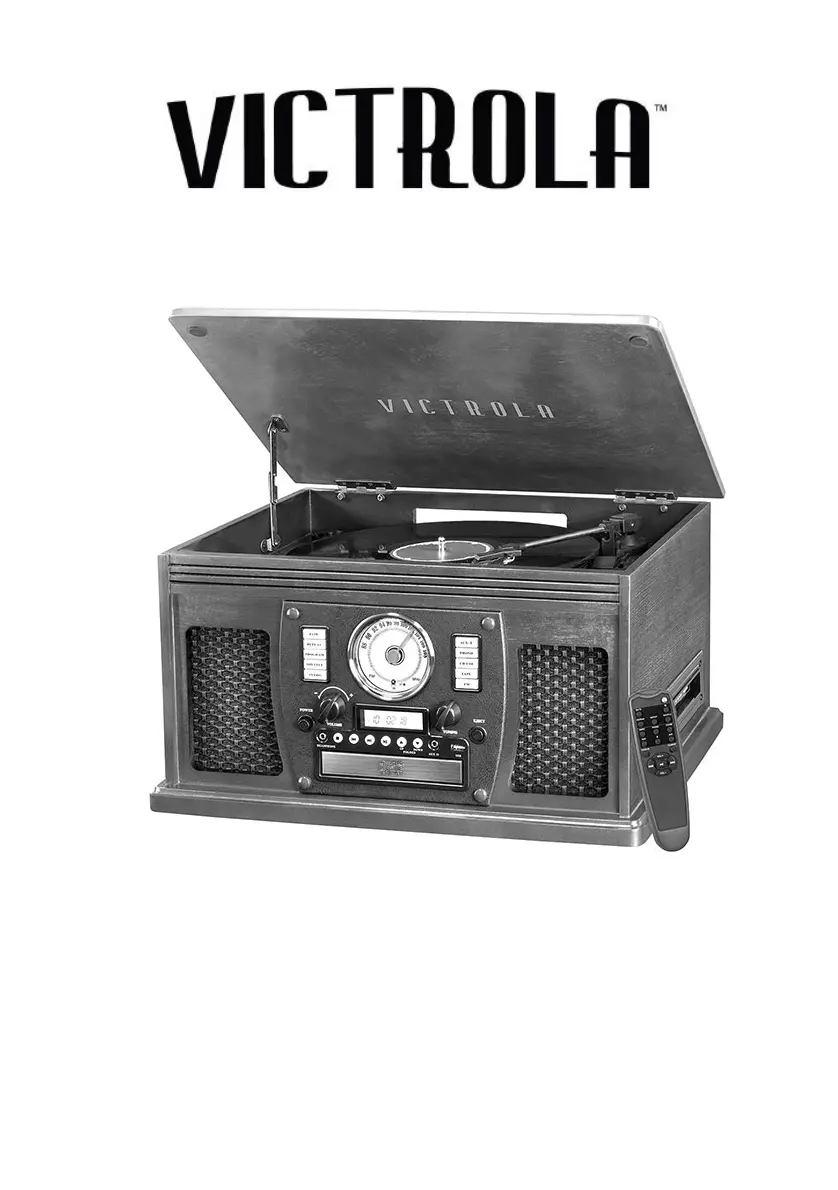
Victrola VTA-600B - User Manual

Victrola VTA-600B
22 pages
Print Icon
To Next Page IconTo Next Page
Loading...
MODEL: VTA-600B(PC)
8-IN-1 TURNTABLE

Questions and Answers

Summary

Important Safety Instructions

Safety Warnings and Precautions

Details critical safety advice, including electrical hazards, operating environment, and handling.

Product Overview

Setup and Basic Operation

Initial Setup and Powering On

Guides through initial setup steps, connecting power, and turning the unit on.

Listening to Vinyl and CDs

Playing Vinyl Records

Step-by-step guide on how to play music from a vinyl record.

Playing CDs and CD-MP3 s

Instructions for inserting, playing, pausing, and skipping tracks on CDs and CD-MP3s.

Advanced CD Playback Features

Radio and External Audio Input

Listening to the Radio

Guide for tuning into radio stations and optimizing reception.

Connecting External Audio Devices (AUX)

Instructions for playing audio from external devices via the AUX input.

Wireless and Cassette Playback

USB Playback and Modes

Maintenance and Stylus Care

Turntable Stylus Replacement

Instructions for removing and installing a new turntable stylus for optimal sound.

Troubleshooting Guide

General, Tape, FM, and CD Issues

Solutions for power, sound, tape playback, radio, and CD player problems.

Troubleshooting AUX, Bluetooth, and USB

Audio Input and Wireless Connectivity Issues

Resolves problems with AUX input, Bluetooth pairing, and USB device operation.

Victrola VTA-600B Specifications

General IconGeneral
BrandVictrola
ModelVTA-600B
CategoryTurntable
LanguageEnglish

Videos

How to Record Music on Your Victrola VTA-600B: Step-by-Step Tutorial

Related product manuals