EasyManua.ls Logo

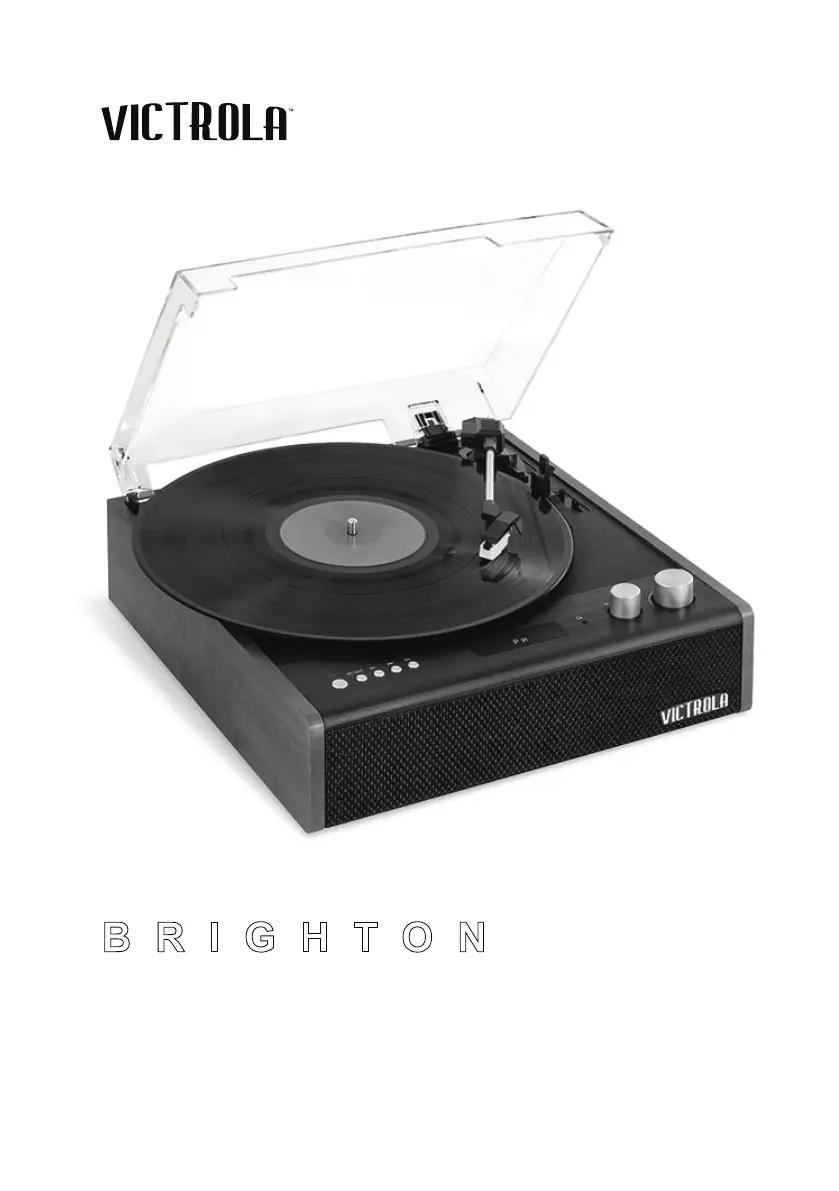
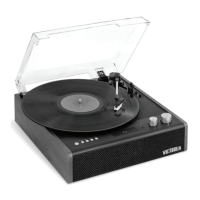
Victrola THE BRIGHTON - User Manual

Victrola THE BRIGHTON
15 pages
Print Icon
To Next Page IconTo Next Page
Loading...
PLEASE READ THIS INSTRUCTION MANUAL CAREFULLY BEFORE USE
AND KEEP IT FOR FUTURE REFERENCE.
BRIGHTON
THE
MODEL: VTA-71
INSTRUCTION MANUAL

Questions and Answers

  • F
    Felicia HillAug 9, 2025
    Why is there no sound coming from my Victrola THE BRIGHTON Turntable?
    • M
      Margaret WatsonAug 9, 2025
      If you're not getting any sound from your Victrola Turntable speakers, there are a couple of things to check: First, make sure the volume isn't set too low and adjust it accordingly. Second, verify that the input selector matches the source you're using for playback; if it doesn't, select the correct input source.
  • B
    Brittany RobersonAug 14, 2025
    How to fix Victrola Turntable that will not power on?
    • O
      olsonsethAug 14, 2025
      If your Victrola Turntable isn't powering on, the first thing you should check is whether the DC power adapter is properly connected to the jack. If it's unplugged, connect it.
  • T
    Travis JamesAug 19, 2025
    What to do if my Victrola THE BRIGHTON won't pair with a Bluetooth device?
    • K
      Kendra StevensonAug 19, 2025
      If your Victrola Turntable won't pair with a Bluetooth device, first confirm that your device is Bluetooth compatible. If it is, try re-pairing the unit and your device again.
  • C
    Charles BriggsAug 25, 2025
    Why is there noise and distortion in the sound output of my Victrola Turntable?
    • A
      Ashley JonesAug 25, 2025
      If you're experiencing noise or distortion in the sound output of your Victrola Turntable, it could be due to interference from nearby electronic devices. Try turning off any nearby TVs or other appliances, and relocate the turntable unit away from them.
  • J
    Joshua TaylorAug 29, 2025
    How to fix decline in audio performance on my Victrola THE BRIGHTON Turntable?
    • D
      Dr. Bryce Mcdonald Jr.Aug 29, 2025
      If you notice a decline in the audio performance of your Victrola Turntable, the stylus might be worn out. Consider replacing the stylus.
  • J
    Juan JamesSep 3, 2025
    What to do if my Victrola THE BRIGHTON Turntable is not responding?
    • S
      smithdawnSep 3, 2025
      If your Victrola Turntable stops responding, it might be due to external factors like electrostatic discharge. To resolve this, disconnect the power cord and any external audio devices. Then, wait one minute before plugging the power cord back in.

Victrola THE BRIGHTON Specifications

General IconGeneral
Speeds33 1/3, 45 RPM
BluetoothYes
Built-in SpeakersYes
RCA OutputYes
Headphone JackYes
USB RecordingNo
TypeBelt Drive Turntable
CartridgeMoving Magnet
MaterialWood
ColorBlack

Related product manuals