> Insert the SD Card
1.
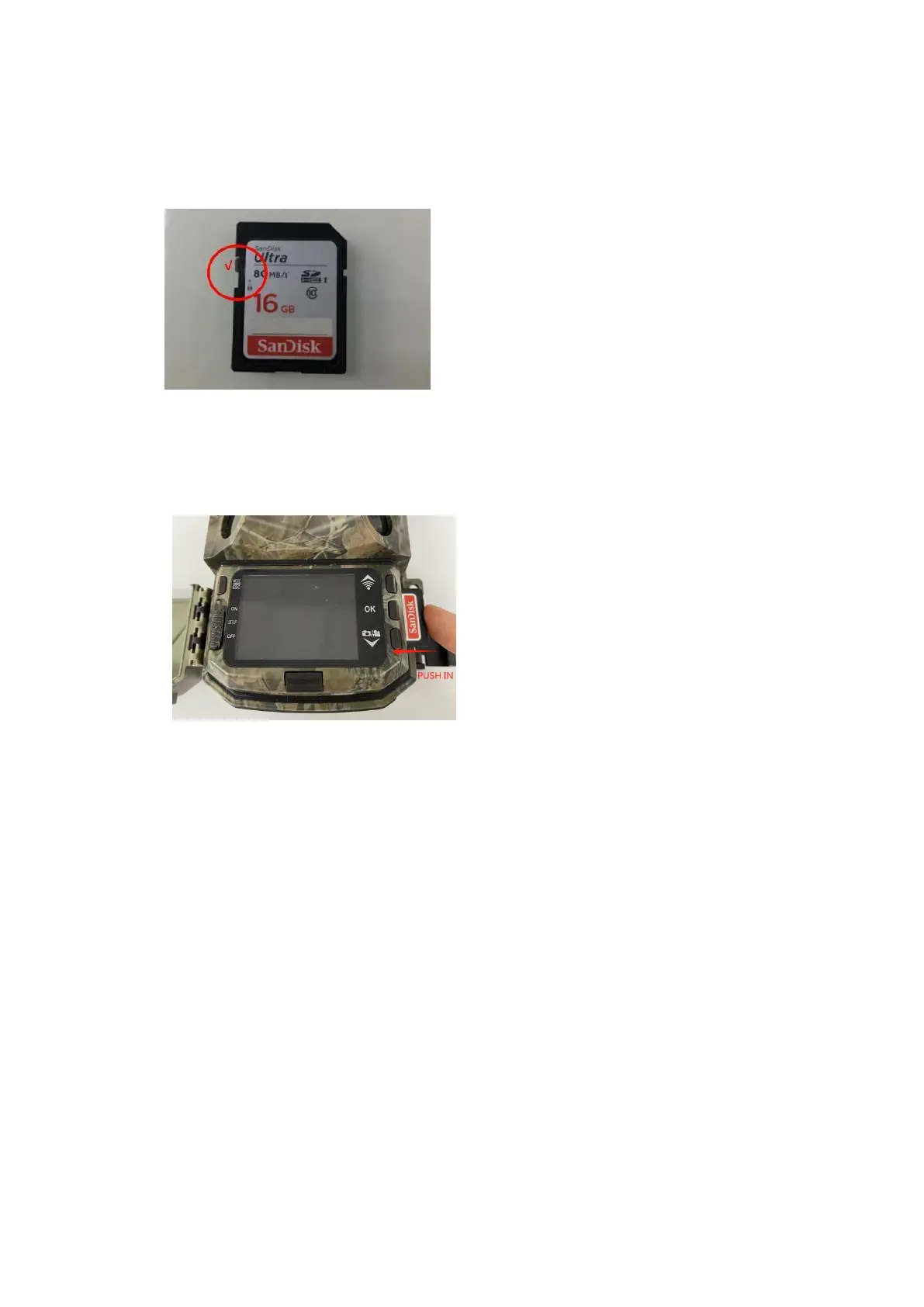
Turning off the read-write protection of the SD card, which located in the left of the card, so
that the camera can recognize the card.
2.
Please format the memory card as ‘FAT32’ on the computer and format it again on the camera
before use.
3.
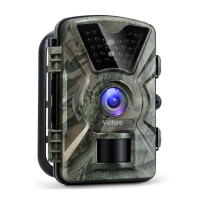
Insert a high-quality SD card when the camera is OFF.
> Tear off the Protective Films
Before you start using the product, please tear off the protective films at the position of the
camera's lens and sensor.


 To Next Page