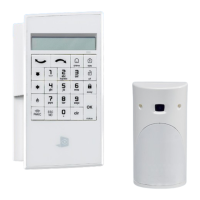
1. Keypad (XMA/WMB)
Press the button for 3 seconds.
They Keypad display ashes for 10 seconds.
Press the desired emergency button.
Display shows
A valid user code or badge for the system must be used to
clear the event.
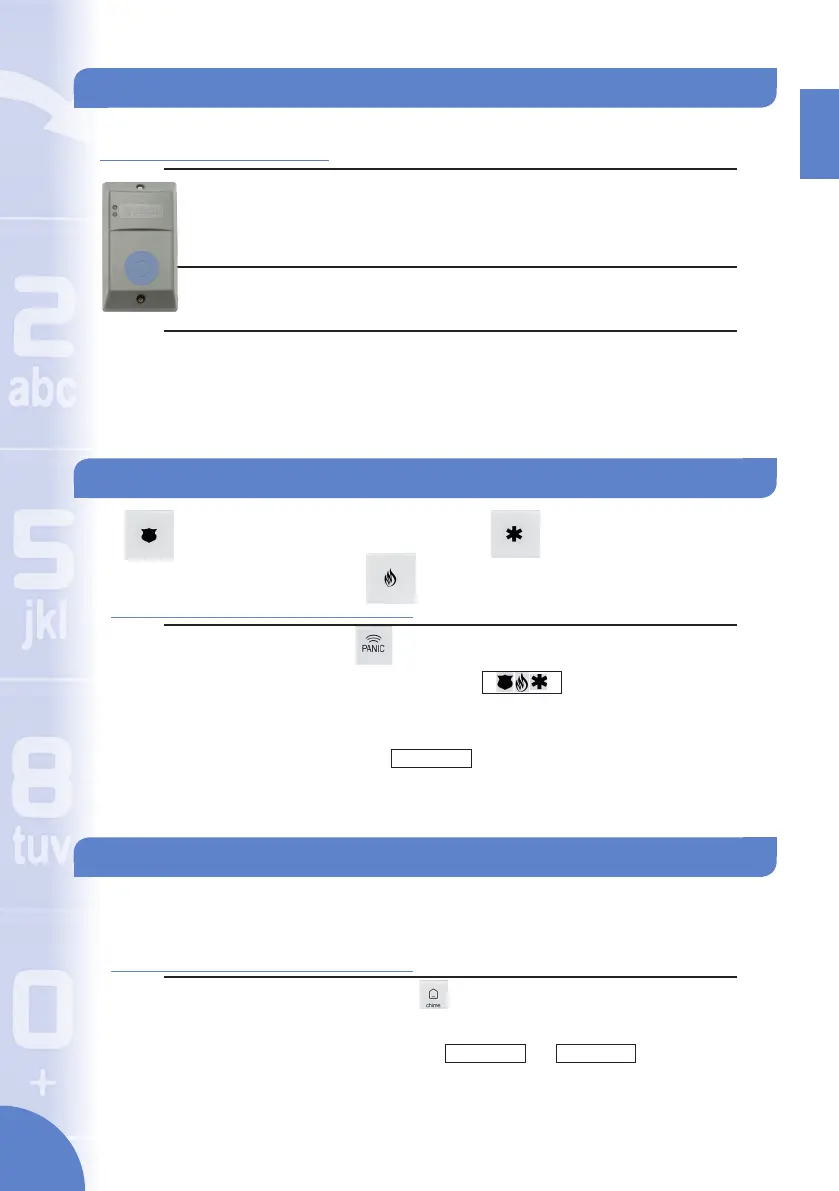
3. Badge Reader (BR)
Present the badge to the reader and hold for 2 seconds.
The reader will beep twice in acknowledgement.
No Event:
Two green LEDs will light up and the system is disarmed.
Event Acknowledgment:
The top LED will blink twice and the reader will beep 4 times
to indicate an event has occured since the last arming.
The system is disarmed.
Disarming - Off - Continued
Activating Emergency Requests
Police Emergency
Medical Emergency
Fire Emergency
POLICE
BADGE OR CODE
Activate/Deactivate Chime
1. Keypad (XMA/WMB)
Press and hold the button until the keypad beeps rapidly
three times.
They display will show or .
*The chime function will only sound through an indoor siren that is learned into the
system*
CHIME
ACTIVATED
CHIME
DEACTIVATED
ENGLISH
4 5


 To Next Page