ENGLISH
2. Remote Control (RC)
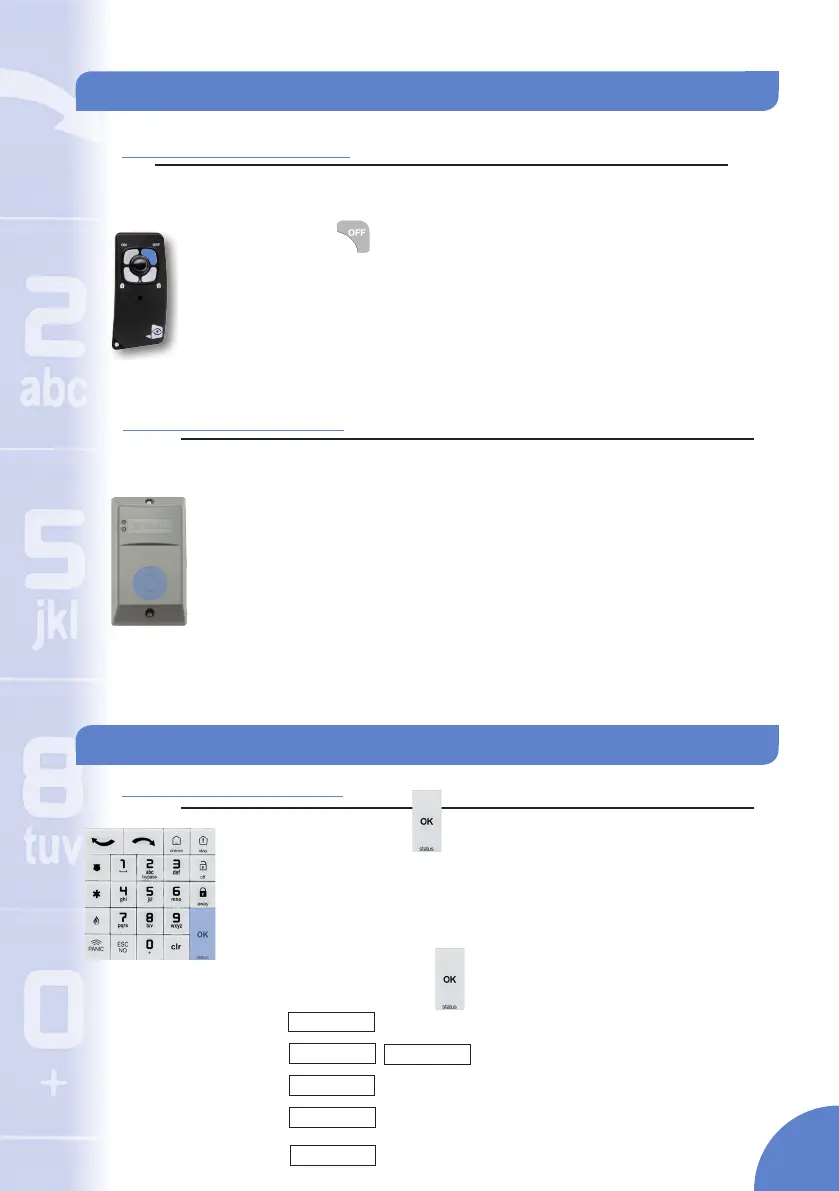
Note: Remote Controls are congured during installation to use specc partitions. There is no option to choose which
partition to disarm on the Remote Control.
Press the button and instantly release.
The remote control will beep twice in conrmation
Note: A single low tone noties the command was not recieved at
the control panel. Move closer to the control panel and reattempt to
disarm the system
The system is disarmed for the parition(s) the device is set
Partition Disarming - Continued
3. Badge Reader (BR)
Note: Badges are congured during installation to use specc partitions. There is no option to choose
which partition to disarm on the Badge Reader.
Present the badge to the reader and hold for two (2) seconds
The reader will beep twice in acknowledgement
Two green LEDs will light up and the system will be disarmed
Event Acknowledgment: Perform the above steps and the top LED will blink twice
and the reader will beep 4 times to indicate that there has been an event since
arming and then system will be disarmed.
ARMING BYPASS
SYSTEM
Checking System Status
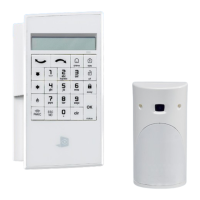
1. Keypad (XMA/WMB)
Press and hold the button until the keypad beeps rapidly
three times
The display will show devices that are in trouble,
communication methods that are enabled but have
problems or that the system is Ready To Arm if no faults are
found. Use the arrow keys to scroll through all devices that
are in trouble or press to exit back to the main screen
READY TO ARM
ETHERNET BAD
2G3G BAD
DEVICE TAMPER
SUPERVISION PROBLEM
There are no Faults found
Issue with the communication method
Displayed device is in tamper
Displayed device is not communicating with the
control panel
SUPERVISION PROBLEM
The listed detector is currently open
7


 To Next Page