33
!
Please note
Only start the appliance with a fully filled trap.
Check that the trap has been filled with water.
Commissioning via commissioning assistant
1. Open the gas shut-off valve.
2. If the appliance has not been switched on yet: Turn
on the ON/OFF switch.
Call up the commissioning assistant:
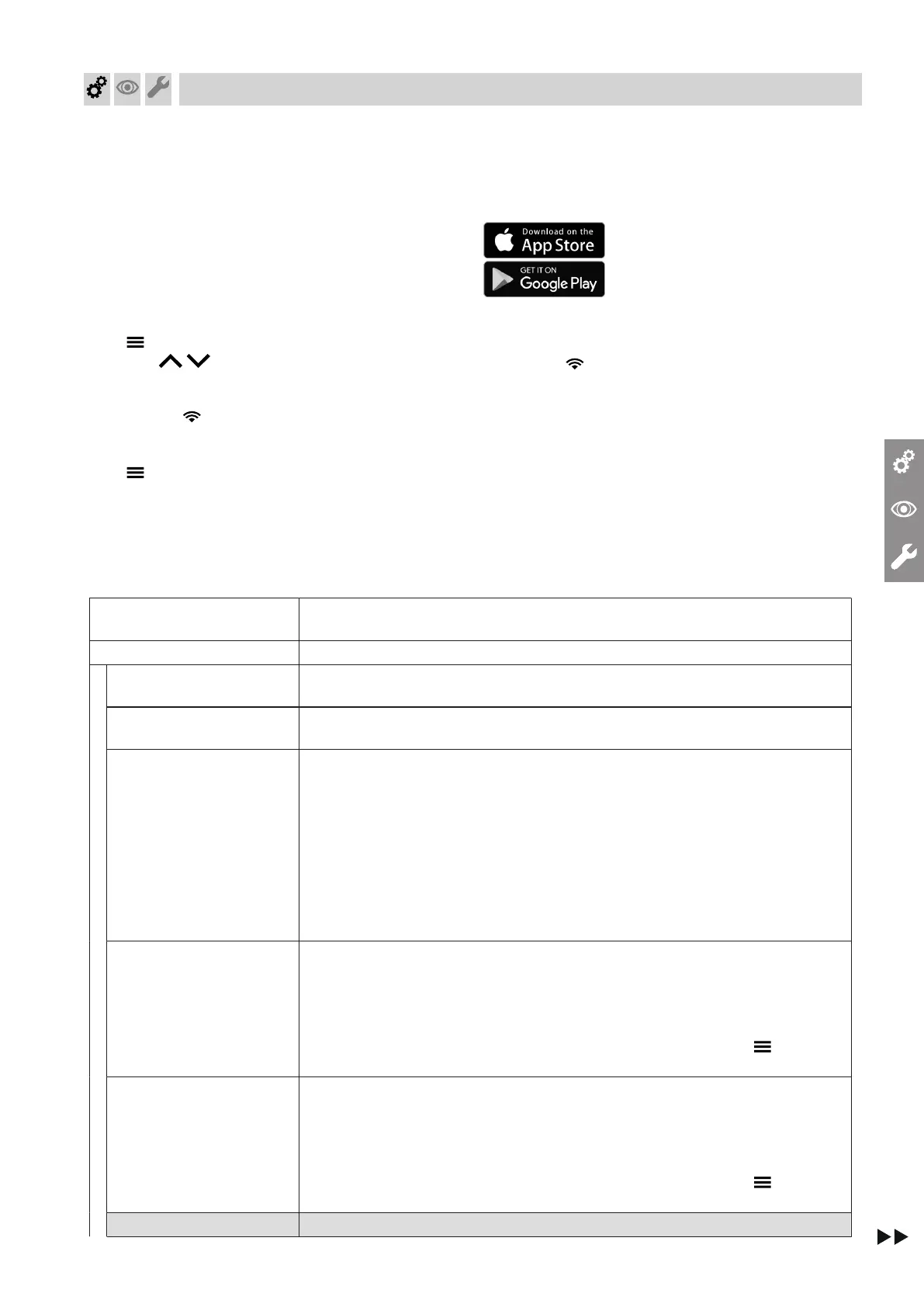
1. and OK simultaneously for approx. 4 s.
2. Use / to select "b.5" and confirm with
"OK".
Note
AP and appear on the display. Confirm with
OK to start the connection with the software tool:
See chapter "Commissioning via software tool".
3. for 4 s to start the commissioning assistant
via the heat generator display.
3. Further steps can be found in the commissioning
assistant: See following overview.
Commissioning via software tool
Note
Apps for commissioning and service are available for
iOS and Android devices.
1. Open the gas shut-off valve.
2. AP and appear on the display.
Press OK to carry out commissioning with the soft-
ware tool.
3. Select ON and confirm with OK.
4. Follow the instructions in the software tool.
Commissioning assistant
sequence
Explanations and references
(value in bold is factory setting)
Commissioning
"C.1"
Date (day, month, year)
"C.2"
Time (hours, minutes)
"C.3"
Operating mode
4 - Weather-compensated
13 - Constant mode with optional room thermostat
14 - OpenTherm
15 - Individual room control
16 - Individual room control with modulation
Note
Operating modes 15 and 16 can only be set via the software tool.
If operating mode 15 or 16 is set, low power radio cannot be switched off.
"C.4"
Filling program
ON = on
OF = off
Note
It is possible to interrupt or end the process while a rotating rectangle alternat-
ing with the current system pressure is displayed; to do so, press for 3 s.
"C.5"
Venting program
ON = on
OF = off
Note
It is possible to interrupt or end the process while a rotating rectangle alternat-
ing with the current system pressure is displayed; to do so, press for 3 s.
"Adv" commissioning
Commissioning, inspection, maintenance
Commissioning the system
6221465







 To Next Page