19
Frame Placement & Room Lights
Most seniors want the frame placed in a convenient location where there is seating
to engage in a video call. Because the ViewClix Smart Frame displays its Slideshow
each day, this location should also be somewhere that adds a focal point in family
picture settings.
Because ViewClix Smart Frame displays are reective surfaces, they will mirror lit
images from across a room, especially when displaying dark background pictures.
The rst consideration is the location in the room relative to any windows with sun
exposure. The brighter the window, the brighter the reection o the frame’s
screen. Try positioning the screen facing away from any bright sources of lights in a
room.
Camera Lens
Camera Placement & Lighting
For video calls, you'll want to have good front lighting while avoiding bright back-
ground lighting. That way you'll be able to see your senior clearly.
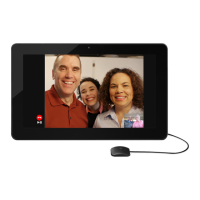
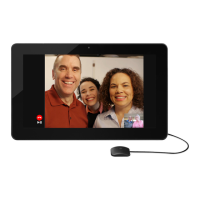
Here’s how to re-use the Camera Preview feature: As the Frame is running its
SlideShow, touch the button followed by the button to view the Frame
Settings


 To Next Page