8 ViewClix support: www.viewclix.com/help or email to help@viewclix.com
Organize Pictures
Pictures that are shared with a frame are stored in the ViewClix Cloud.
You can organize the SlideShow and manage photos using the Members Portal at
the ViewClix web site.
Initially, there are a few sample pictures in the SlideShow. You’ll want to use the
Photo manager to delete those.
Here are the steps:
Using a web browser on a PC, Mac or Tablet, go to the Members Portal:
www.viewclix.com/members
You’ll be prompted to login using your email address and password and then the
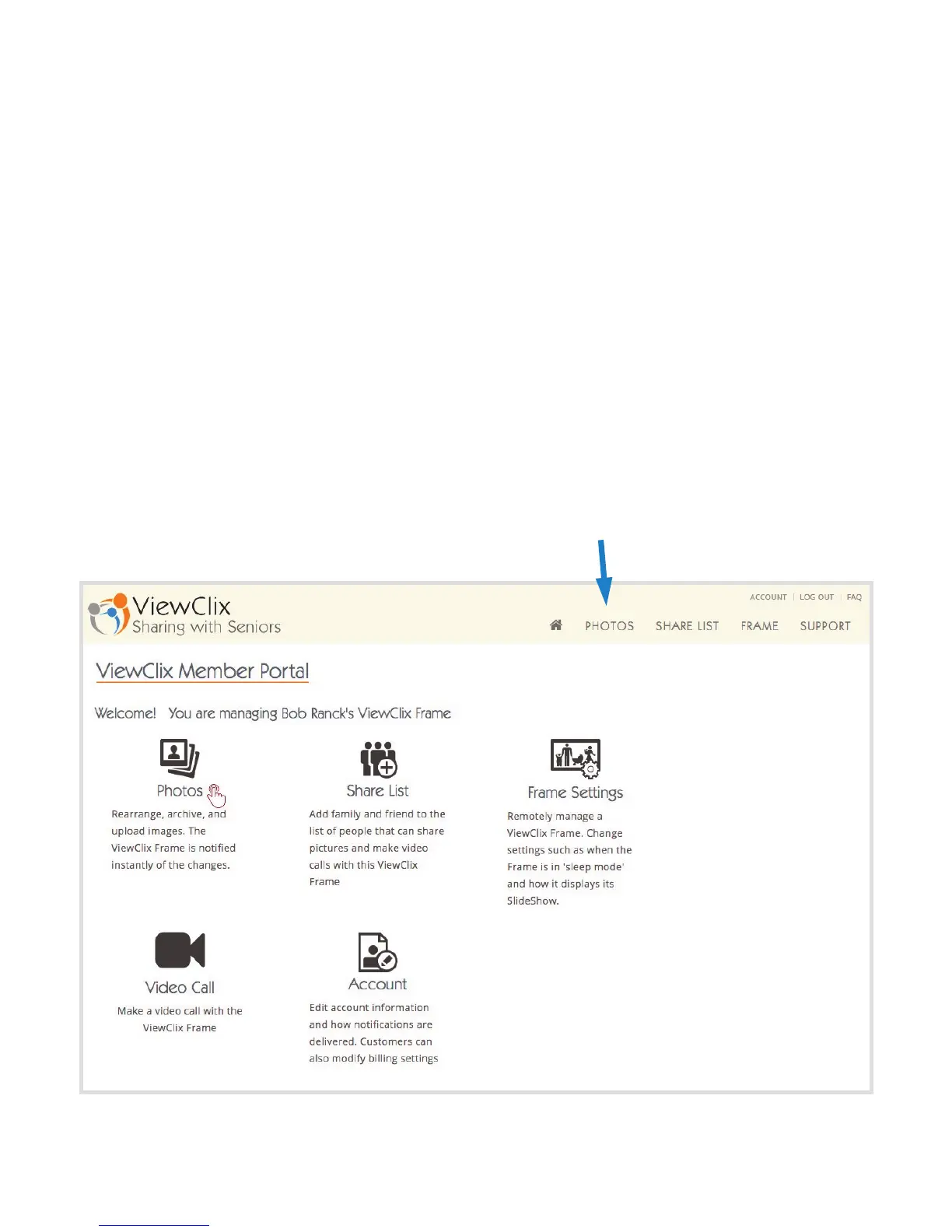
web page below will be displayed.
Click or tap “Photos“



 To Next Page