ANTENNA SET-UP CONTINUED.
SATELLITE SET-UP FOR VS9000HD RECEIVER:
Satellites 118.8 / 119 / 110 ON ONE / THREE RECEIVER
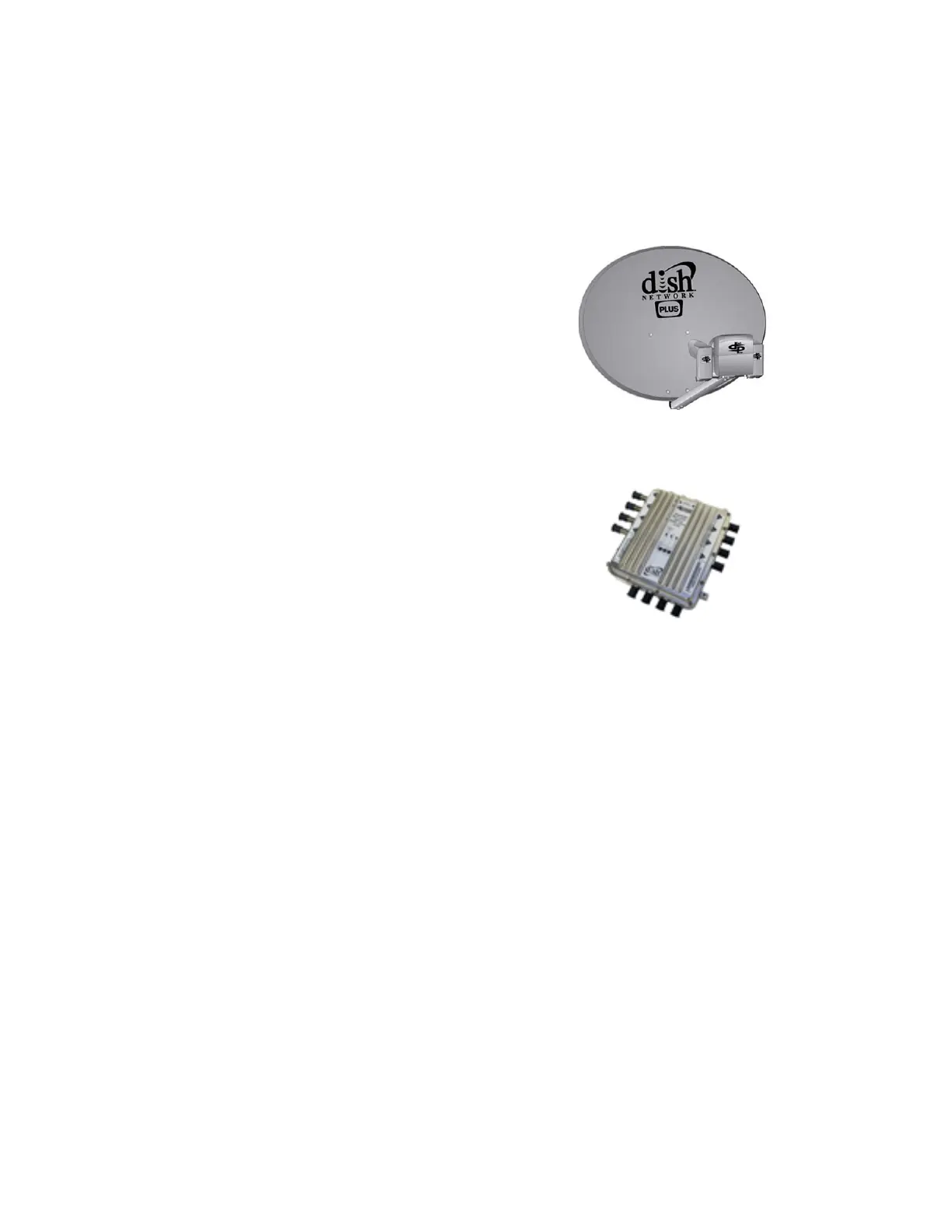
Using DPP44 Switch / Dish 1000 Plus with 8PSK Card
Do a Factory Default first and upload new Bin File to Receiver.
Go To / Menu / Antenna Set-Up
Select Satellite to use.
EchoStar 7 119.0W
LNB* power = on
LNB* type = ocs-dp (Set LNB Type Here)
LNB* freq = 11250
22KHz = off
TP* Freq = 12239
Diseqc* 1.0 = Port 1
Motor = Off
Legacy SW = None
"Exit" & save.
EchoStar 8,10 110.0W
LNB* power = on
LNB* type = ocs-dp (Set LNB Type Here)
LNB* freq = 11250
22KHz = off
TP* Freq = 12224
Diseqc* 1.0 = Port 2
Motor = Off
Legacy SW = None
"Exit" & save.
Anik F3 at 118.8°W
LNB* power = on
LNB* type = Universal (Set LNB Type Here)
LNB* freq = 975 / 10750
22KHz = off
TP* Freq = 11715
Diseqc* 1.0 = Port 3
Motor = Off
Legacy SW = None
"Exit" & save.
Additional Information on Anik (F3) 118.8 W.
Go To / Menu / Antenna Set-Up
For this Satellite Select Echo 9-121W
LNB Type: Standard
LNB Freq: 10750
TP Freq: 11715
Turn OFF LNB Power to all other LNBs that are currently setup. Now you will not see TP freq: 11715. In
order for the Receiver to find all Available TP Freq for 118.8W, Make Certain your Auto TP is set to ON.
Document page.11
VIEWSAT 9000HD User Troubleshooting Guide & Manual. April /2008


 To Next Page