3939
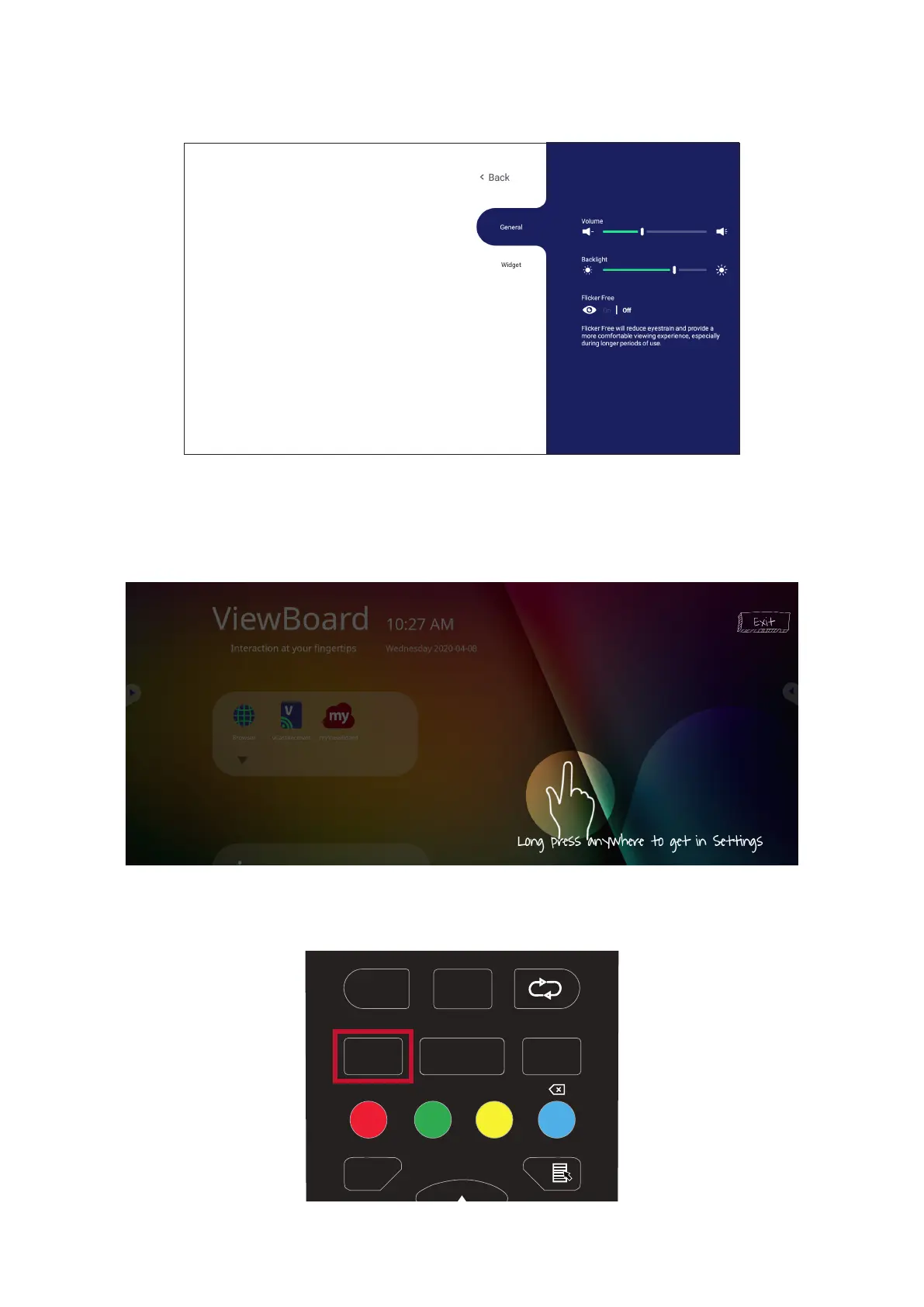
On-Screen Display (OSD) Menu
Access General Sengs, Input Sengs, and Widgets through the OSD Menu.
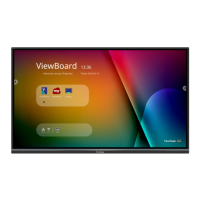
ViewBoard has two opons for opening the OSD Menu:
Opon 1
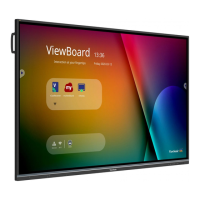
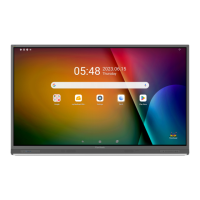
Long press anywhere in the vLauncher background.
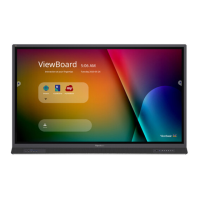
Opon 2
Press the INPUT buon on the remote control.
F1
F4
F7
F10F11 F12
F2
F5
F8
F3
F6
F9
ENTER
ALT+TAB
ALT+F4
ASPECT MENU
INPUT
SPACE
BACK
EPG
FAV
CH.+
PGUP
PGDN
CH.-
VOL+
VOL -
D.USB
D.SETUP
D.MENU
TABALT
D.TITLE
START
DESKTOP
0
-/--



 To Next Page