66
Contents
Safety Precautions ....................................................... 3
Introduction .............................................................. 10
Package Contents .................................................................................................10
Wall Mount Kit Specifications (VESA) ...................................................................11
Product Overview .................................................................................................12
Front Panel | Control Panel | Rear Panel .............................................................. 12
I/O Panel ................................................................................................................ 14
Remote Control ..................................................................................................... 16
Using Gestures ...................................................................................................... 20
Select and Deselect an Object (Clicking) ........................................................... 20
Display Menu Opons (Right-Clicking) .............................................................. 20
Double-Clicking ................................................................................................. 20
Moving an Object .............................................................................................. 21
Erasing Digital Ink .............................................................................................. 21
Swipe Up for General Sengs ........................................................................... 21
Making Connections .................................................. 22
Connecting External Devices and Touch Connection ...........................................22
HDMI Connection .................................................................................................. 22
VGA Connection .................................................................................................... 22
RS-232 Connection ................................................................................................ 23
USB and Networking Connections ........................................................................ 24
Media Player Connection ...................................................................................... 25
SPDIF Connection .................................................................................................. 26

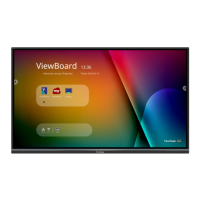
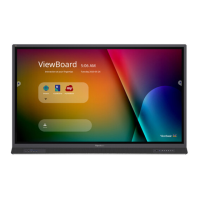
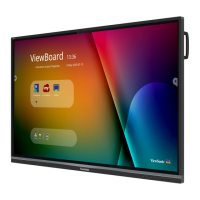
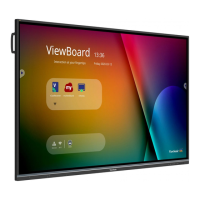
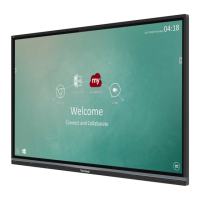
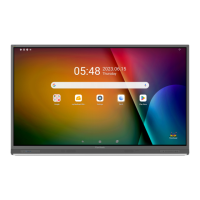

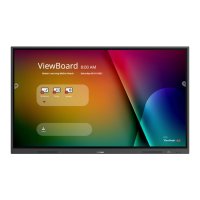

 To Next Page