EasyManua.ls Logo

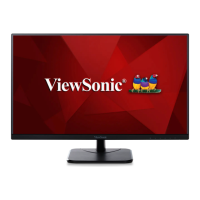
ViewSonic VA2432-mhd - User Manual

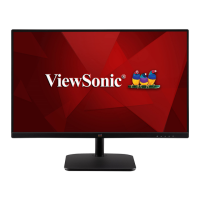
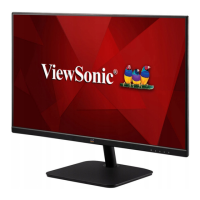
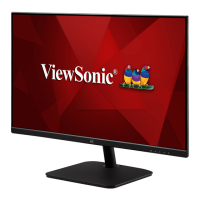
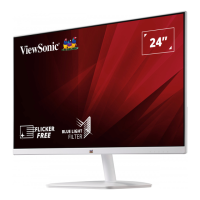
ViewSonic VA2432-mhd
46 pages
Print Icon
To Next Page IconTo Next Page
Loading...
IMPORTANT: Please read this User Guide to obtain important information on installing and using your product in
a safe manner, as well as registering your product for future service. Warranty information contained in this User
Guide will describe your limited coverage from ViewSonic® Corporation, which is also found on our web site at
http://www.viewsonic.com in English, or in specific languages using the Regional selection box in the upper right
corner of our website.
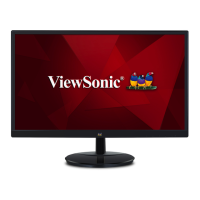
VA2432-mhd
Display
User Guide
Model No. VS17789
P/N: VA2432-MHD

Questions and Answers

  • A
    andrea08Sep 12, 2025
    What to do if there is no audio output from my ViewSonic Monitor?
    • R
      Ronald MasonSep 12, 2025
      If you're using headphones, be sure the mini stereo jack is properly connected. Make sure the volume isn't muted or set to 0. Check the Audio Input setting as well.
  • M
    mbaileySep 14, 2025
    What to do if control panel keys do not work on my ViewSonic VA2432-mhd?
    • K
      Kenneth WardSep 14, 2025
      Press only one key at a time. If the keys still don't work, try restarting the computer.

Summary

Safety Precautions

Product Overview

I;O Ports

Details the input/output connections available on the monitor.

Initial Setup

Installing the Stand

Step-by-step guide for attaching the monitor stand.

Wall Mounting

Making Connections

Connecting to Power

Instructions for connecting the monitor to a power source.

Connecting External Devices

Using the Monitor

Turning the Device On;Off

Configuring the Settings

Appendix

Specifications

Detailed technical specifications of the monitor.

Troubleshooting

Maintenance

Limited Warranty

Mexico Limited Warranty

ViewSonic VA2432-mhd Specifications

General IconGeneral
BrandViewSonic
ModelVA2432-mhd
CategoryMonitor
LanguageEnglish

Related product manuals