57
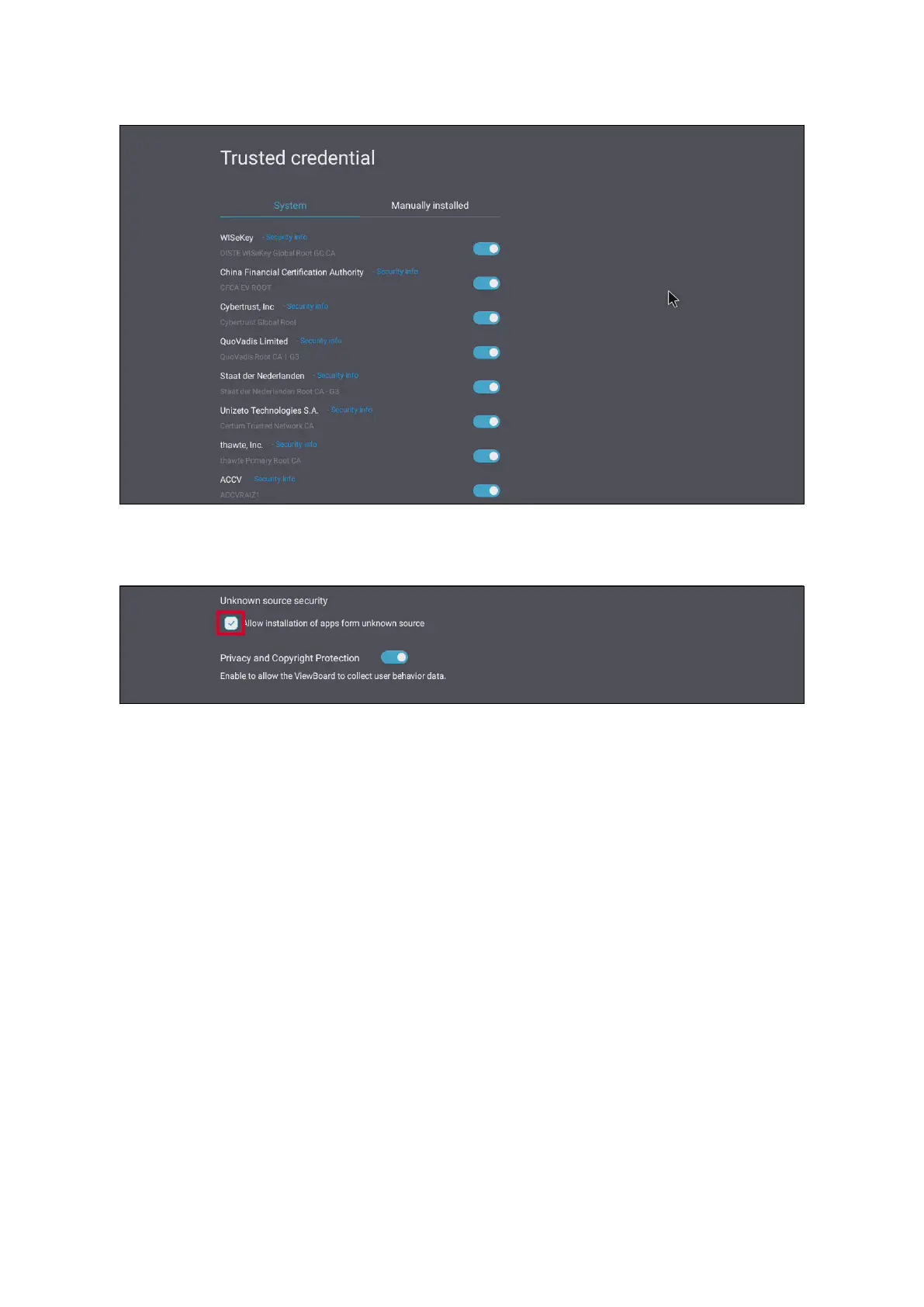
Under Trusted Credenals view and edit all trusted and installed cercates.
Selecng a credenal will provide further detailed informaon.
To allow the installaon of applicaons from unknown sources, select the box
under Unknown Source Security.
NOTE: Applicaons from unknown sources may not be compable or work
properly.



 To Next Page