EasyManua.ls Logo

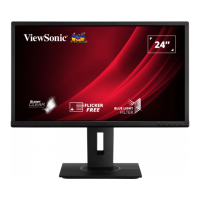
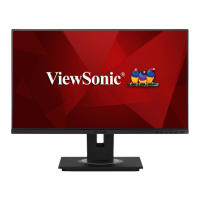
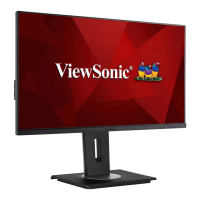
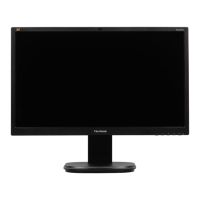
ViewSonic VG2448a-2B - User Manual

ViewSonic VG2448a-2B
69 pages
Print Icon
To Next Page IconTo Next Page
Loading...
VG2448a
VG2748a
LCD Monitor
User Guide
Model No. VS18861 | VS18862 | VS18980 | VS18981
P/N: VG2448a | VG2748a | VG2448a-2 | VG2748a-2 | VG2448a-2B
IMPORTANT: Please read this User Guide to obtain important information on installing and using your product in
a safe manner, as well as registering your product for future service. Warranty information contained in this User
Guide will describe your limited coverage from ViewSonic® Corporation, which is also found on our web site at
http://www.viewsonic.com in English, or in specific languages using the Regional selection box in the upper right
corner of our website. “Antes de operar su equipo lea cu idadosamente las instrucciones en este manual”

Questions and Answers

  • J
    Jeffrey LopezAug 25, 2025
    How to fix blurred screen image or text on ViewSonic VG2448a-2B Monitor?
    • P
      patriciabowersAug 26, 2025
      Adjust the resolution to the correct Aspect Ratio. If the issue persists, reset the monitor to factory settings.

  • J
    Jason VazquezAug 23, 2025
    What to do if my ViewSonic VG2448a-2B power is on, but no image appears?
    • J
      Jennifer CochranAug 23, 2025
      Check that the video cable connecting your monitor to the computer is properly and securely connected. Also, inspect the video cable connector for any broken pins. You may also need to adjust the brightness and contrast settings, or ensure that the correct input source is selected.
ViewSonic VG2448a-2B Specifications

General IconGeneral
BrandViewSonic
ModelVG2448a-2B
CategoryMonitor
LanguageEnglish

Related product manuals