9
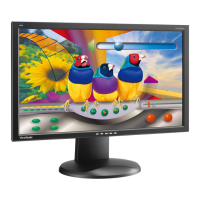
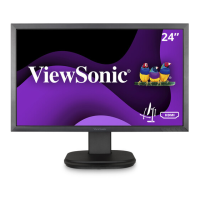
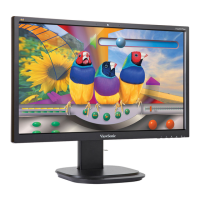
D. Adjusting the Angle
- After adjusting the monitor’s height, stand in front of the
monitor so it is centered in front of you.
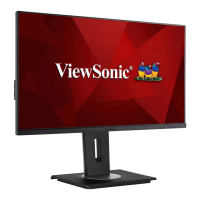
- The angle of the screen can be adjusted by moving the panel,
angling it forward or back.
Rear Side
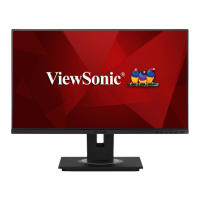
Front Side
*Adjustment angles vary depending on each individual model.




 To Next Page