17
2-5. Power On
Turn On LCD Monitor and Computer
Turn ON the LCD Monitor, then turn ON the computer. This
particular order (LCD monitor before computer) is important.
NOTE: Windows users may receive a message asking them to
install the INF file.
Windows Users: Set the Timing Mode
For instructions on changing the resolution and refresh rate, see the
graphics card’s user guide.
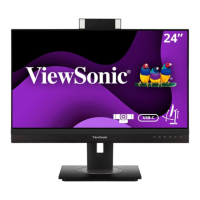
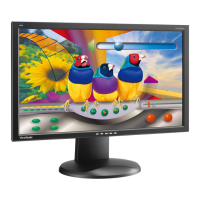
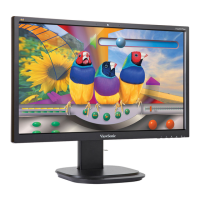
*This picture is for reference only




 To Next Page