EasyManua.ls Logo

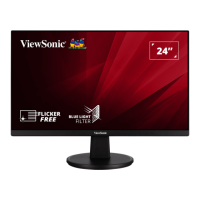
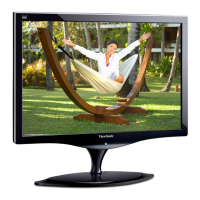
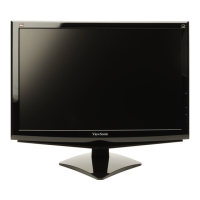
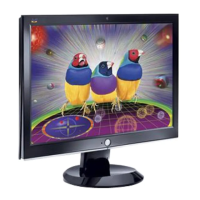
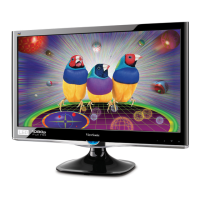
ViewSonic VS2447M - User Manual

ViewSonic VS2447M
46 pages
Print Icon
To Next Page IconTo Next Page
Loading...
IMPORTANT: Please read this User Guide to obtain important information on installing and using your product in
a safe manner, as well as registering your product for future service. Warranty information contained in this User
Guide will describe your limited coverage from ViewSonic® Corporation, which is also found on our web site at
http://www.viewsonic.com in English, or in specific languages using the Regional selection box in the upper right
corner of our website.
VS2447M
Display
User Guide
Model No. VS18813
P/N: VS2447M

Questions and Answers

  • E
    Edward TorresSep 10, 2025
    How to center the screen correctly on ViewSonic monitor?
    • J
      Jean WilliamsSep 10, 2025
      If the screen on your ViewSonic monitor isn’t centered correctly, adjust the horizontal and vertical controls via the OSD Menu. Also, check the Aspect Ratio and reset the monitor to factory settings.
  • D
    Donna BrownSep 12, 2025
    Why does the screen appear yellow on ViewSonic VS2447M?
    • T
      Teresa CastroSep 12, 2025
      If the screen on your ViewSonic monitor appears yellow, make sure the “Blue Light Filter” is Off.
  • C
    Chad CooperSep 14, 2025
    How to fix no audio output on ViewSonic VS2447M Monitor?
    • H
      Harry NewmanSep 14, 2025
      If you are experiencing no audio output from your ViewSonic monitor, ensure the mini stereo jack is connected if using ear-/headphones. Make sure the volume is not muted, nor set to 0. Check the Audio Input setting.
  • A
    amymedinaSep 16, 2025
    What to do if control panel keys do not work on ViewSonic monitor?
    • S
      Scott SmithSep 16, 2025
      If control panel keys do not work on your ViewSonic monitor, press only one key at a time. If the problem persists, restart the computer.

Summary

Safety Precautions

Initial Setup

Installing the Stand

Guides on how to attach and install the monitor stand.

Wall Mounting

Provides instructions and specifications for mounting the monitor on a wall.

Making Connections

Connecting to Power

Guides on connecting the monitor to an electrical power source.

Connecting External Devices

Details how to connect various external devices like computers and audio equipment.

Using the Monitor

Quick Menu

Hot Keys

Configuring the Settings

General Operations

Outlines the general steps for navigating and operating the OSD menu.

Troubleshooting

Maintenance

Customer Service

Limited Warranty

Mexico Limited Warranty

ViewSonic VS2447M Specifications

General IconGeneral
BrandViewSonic
ModelVS2447M
CategoryMonitor
LanguageEnglish

Related product manuals