59
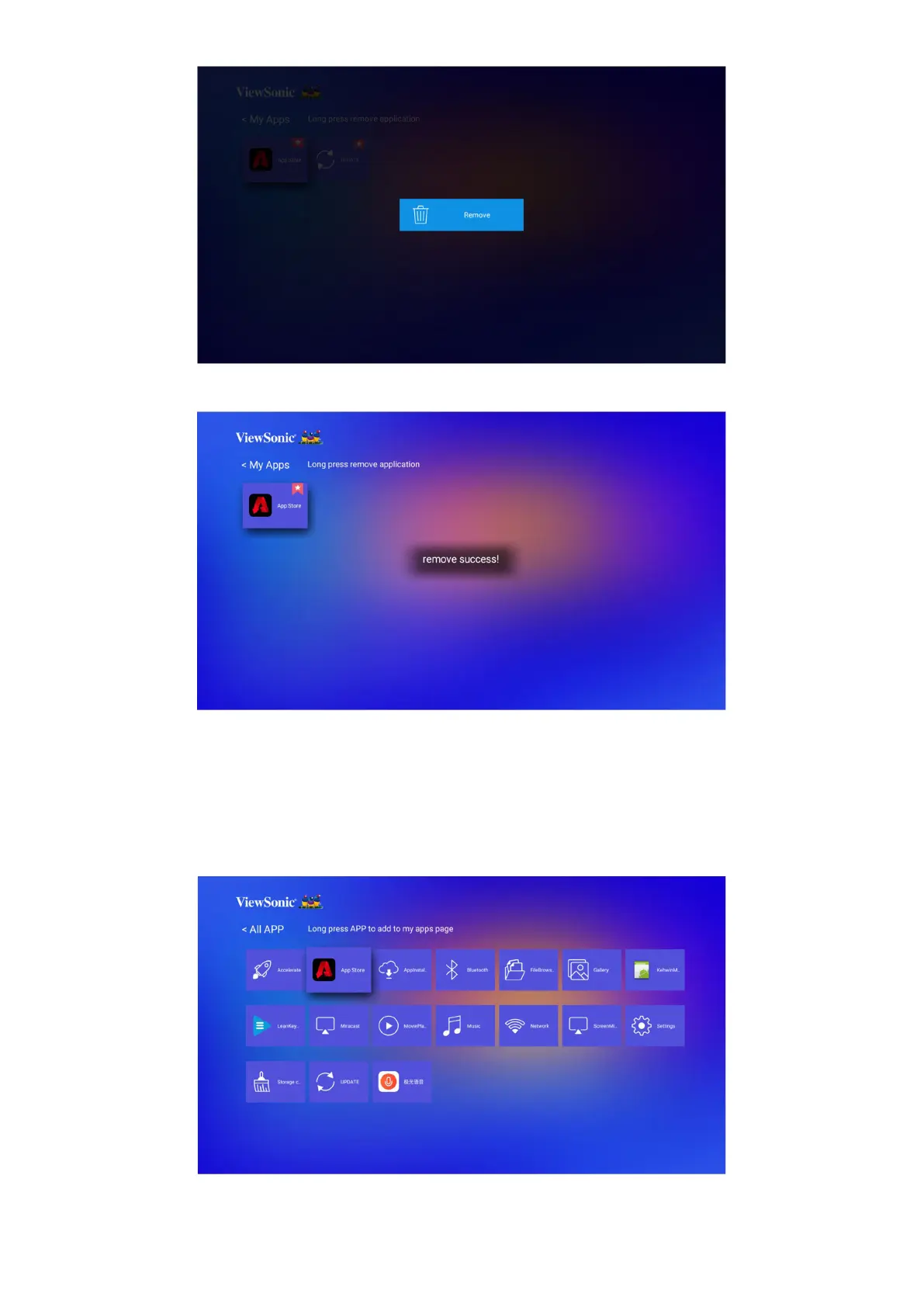
3. Once removed, below dialogue box will appear.
Application
Access and view all the applications you have installed.
To add an application to My Apps page or uninstall it:
1. Aer entering the Applicaon page, all your applicaons are displayed.
2. Long press on the selected APP to add to My Apps page or uninstalled it.









 To Next Page