EasyManua.ls Logo

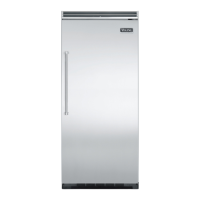
Viking VUAR144 - User Manual

Viking VUAR144
25 pages
Print Icon
To Next Page IconTo Next Page
Loading...
Manual
This manual is to be used by qualied appliance technicians only.
Viking does not assume any responsibility for property damage
or personal injury for improper service procedures done by an
unqualied person.
Service
SMR-0003
July 2008
DFRD144
DFUR143
DFUR144
DFUW144
DUAR143
DUAR144
DURD144
DUWC144
VUAR143
VUAR144
VURD144
VUWC144
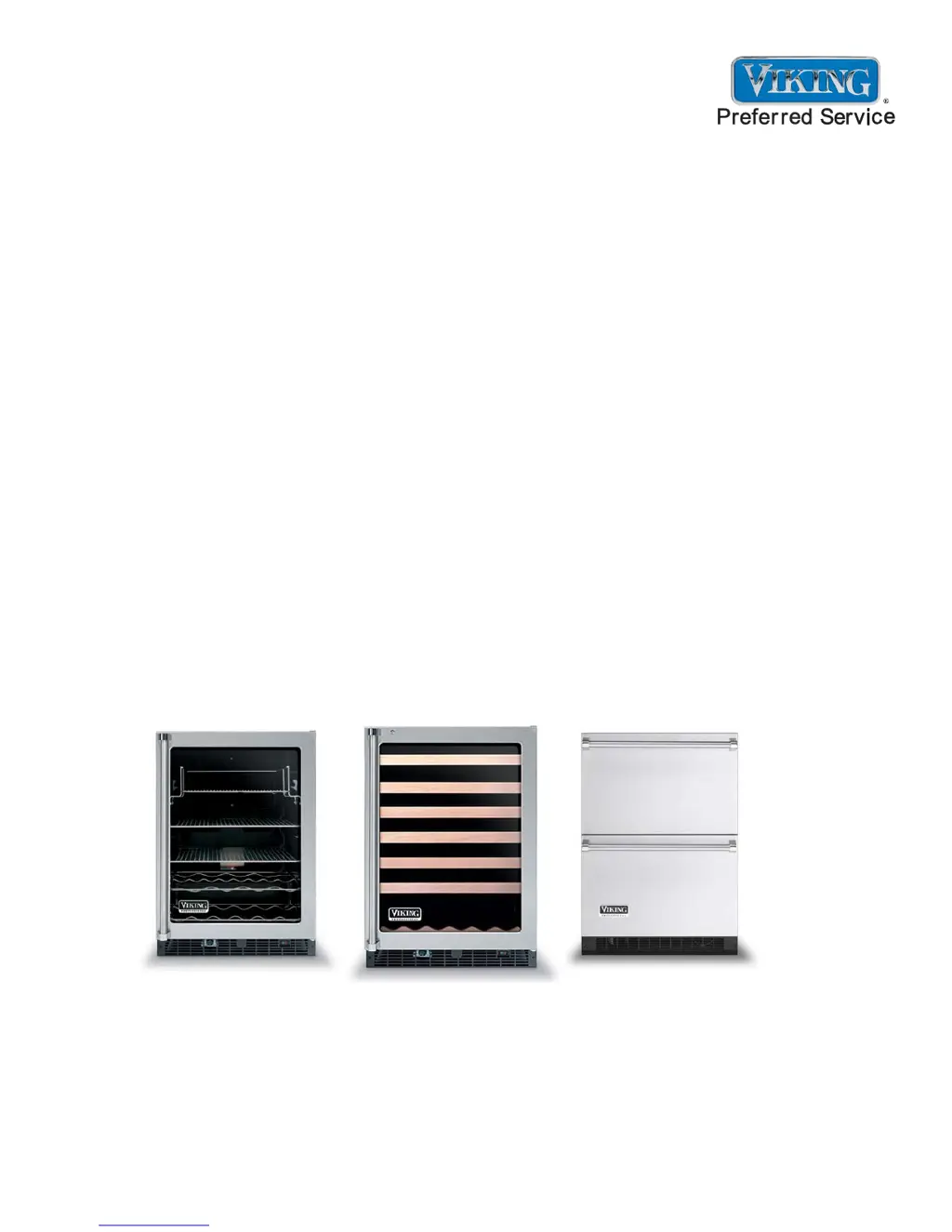
2008 24 Inch
Undercounter
Refrigeration
This Base Manual covers general and
specic information including, but not
limited to the following models:

Questions and Answers

  • A
    Amanda SaundersSep 9, 2025
    Why door is closed but the light is still on inside of Viking VUAR144?
    • E
      Emily SmithSep 9, 2025
      If the door is closed but the light remains on, it's likely that the “LIGHT” button was not pressed before the door was last closed. Press the “LIGHT” button to disengage the light.
  • J
    John MartinezAug 23, 2025
    Why temperature controls are not raising or lowering the set temperature on Viking VUAR144?
    • P
      Paul HillAug 23, 2025
      If the temperature controls are not adjusting the set temperature, make sure you press and hold the “SET” button while pressing either the “WARMER” or “COLDER” button. This will raise or lower the set temperature by one degree F or C, depending on the setting.
  • B
    Brad RyanAug 25, 2025
    What to do if audible alarm sounding three times every 30 seconds and LED light flashing green on Viking VUAR144?
    • T
      tanyadavisAug 26, 2025
      If you hear an audible alarm sounding three times every 30 seconds and see the LED light flashing green, this indicates a Door Ajar alarm. To resolve this, simply close the refrigerator door securely.
  • T
    Tara AvilaAug 26, 2025
    What to do if audible alarm sounding six times every minute and LED light flashing red on Viking VUAR144?
    • D
      Danielle KochAug 27, 2025
      If you hear an audible alarm sounding six times every minute and the LED light is flashing red, this indicates a High and Low Temperature alarm. Press the “ON/OFF” button for approximately one second to reset the audible and display alarms. Note that the alarm will resume if the alarm condition still exists.
  • J
    Jessica SmithAug 28, 2025
    What does it mean if LED light flashing amber and no audible signal heard on Viking Refrigerator?
    • K
      Kristin ParsonsAug 28, 2025
      If the LED light is flashing amber and there is no audible signal, this indicates a Power Failure alarm. You can reset the audible and display alarms by pressing the “ON/OFF” button for approximately one second. Keep in mind that this alarm is normal upon initial installation because the unit was run at the factory to verify quality, and the alarm will resume if the alarm condition still exists.
  • N
    nmooreSep 22, 2025
    How to disable Tru Protect™ on Viking VUAR144?
    • R
      rfreySep 22, 2025
      To disable Tru Protect™, press and hold the “SET” button for five seconds. A steady amber light on the LED indicates Tru Protect™ is disabled.
  • J
    Jonathan HoltSep 16, 2025
    What does E4 error code mean on Viking Refrigerator?
    • D
      Debbie WilliamsSep 16, 2025
      If you see an E4 error code on the display panel and hear an audible alarm sounding six times every minute, this indicates a display thermistor “sensor A” fault. Here are some possible solutions: * Check the wiring diagram on the back of the unit and reconnect any disconnected wires. * Replace the thermistor if the wires are shorted. * Replace the thermistor if it is faulty.
  • D
    Dawn SnyderSep 18, 2025
    How to enable Tru Protect™ on Viking VUAR144 Refrigerator?
    • D
      Diana ObrienSep 18, 2025
      To enable Tru Protect™, press and hold the “SET” button for five seconds. A steady green light on the LED indicates Tru Protect™ is engaged.
  • C
    crystalhodgeSep 7, 2025
    How to disable Service Mode on Viking VUAR144 Refrigerator?
    • A
      Ashley BarrettSep 7, 2025
      To exit Service Mode, press and hold the “WARMER” button while pressing the “COLDER” button four times within five seconds.
  • A
    Amy SheppardSep 4, 2025
    What to do if compressor, condenser fan, internal fan(s), heater, reverse gas solenoid, and alarms are not working on Viking VUAR144?
    • M
      Matthew Watkins DDSSep 4, 2025
      If the compressor, condenser fan, internal fan(s), heater, reverse gas solenoid, and alarms are not working but the display is functioning normally, it is likely that Show Room Mode is enabled. To exit Show Room Mode, press and hold the “ON/OFF” button while performing a “Power On Reset” (POR), meaning disconnect and reconnect the power supply to the unit.

Summary

General Information

Sealed System Basics

Fundamental principles for working with sealed refrigeration systems.

Diagnostic Information

Low Side leaks

Identifying and addressing low side refrigerant leaks.

High Side Leaks

Identifying and addressing high side refrigerant leaks.

Restricted Capillary Tube

Diagnosing and resolving capillary tube restrictions.

Error Code Detection

Identifying and interpreting system error codes.

Evaporator Frost Pattern

Using frost pattern for diagnosing system issues.

Pressure and Temperature

Measuring and correlating evaporator pressure and temperature.

Diagnostic Information

Re-charging

Procedure for recharging the refrigeration system.

Thermistors

Testing evaporator and display thermistors using resistance charts.

Compressor

Diagnosing compressor faults and testing procedures.

Diagnostic Information

Diagnostic Information

Service Diagnostics Mode

Entering and using diagnostics mode for testing.

Troubleshooting Procedures

Unit Operation and Display Issues

Troubleshooting common problems with unit operation and display.

System Faults and Error Codes

Diagnosing and correcting system faults and error codes.

Troubleshooting Procedures

Component Testing Procedures

Component Testing Procedures

Component Testing Procedures

Disassembly

Compressor Removal and Installation

Detailed procedure for removing and installing the compressor.

Disassembly

Wiring Diagrams and Schematics

Viking VUAR144 Specifications

General IconGeneral
BrandViking
ModelVUAR144
CategoryRefrigerator
TypeUndercounter Refrigerator
Temperature ControlElectronic
FinishStainless Steel
LightingLED
Door StyleSolid Door
Installation TypeBuilt-In
Energy Star QualifiedNo
Door SwingReversible
Defrost TypeAutomatic
Energy Star CertifiedNo
Weight150 lbs
ShelvingAdjustable Glass Shelves
Width23 7/8"

Related product manuals