EN
9
Roxie: 40170
3.1.2 User congurations/Controls via app
3.1.2.1 Card programming
• Cards are programmed via the View Wireless app (with Administrator prole).
3.1.2.2 Outdoor station congurations
Installer prole
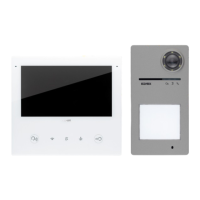
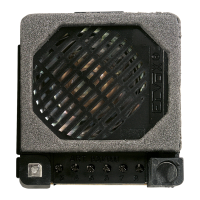
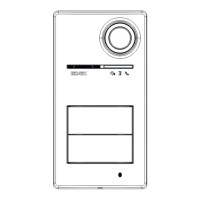
The following entrance panel parameters can be congured via the View Wireless app, with installer prole:
System parameters:
• Name, position and visibility
Video door entry system parameters:
• Number of push buttons
• Button and camera LED lighting management and brightness
• Answer, talk and self-start time
• Call tone enabling (ringtone on/o): ringtone cycles, melodies and volume
• Association of the relay actuation with the indoor station unlock door function and/or unlock door control (if active)
• Relay and unlock door control actuation time from indoor station
• Enabling of device voice message support, with related volume and language settings
• Enabling the access PIN (on/o)
• Setting the speaker and microphone audio levels
• Setting of the actuation from a valid card (lock, relay, lock+relay, remote actuation)
• Outdoor station ID conguration in the Due Fili Plus system
• Mapping of outdoor station push buttons
• Starting the automatic indoor station ID assignment procedure (function available only from master entrance panel)
• Common lock function
• Restarting the system
From the installer prole it is also possible to do the following on the outdoor station:
• Firmware updating and check
• The removal of the device, with subsequent reset of the related default parameters
Administrator prole
The following entrance panel parameters can be congured via the View Wireless app, with Administrator prole:
• Management of access cards: addition, management and deletion of cards.
• Button and camera LED lighting management and brightness
• Call tone enabling (ringtone on/o): ringtone cycles, melodies and volume
• Enabling of device support via voice messages, with related volume and language settings
• Firmware updating and check
From the installer prole it is also possible to manage the administrator prole by selecting the appropriate "Administrate" item at
the end of the rst installation procedure.


 To Next Page