CM1 USER MANUAL
9
2. The 5th step, after choosing Wi-Fi and enter password, when
applying, please check the STATE1 (
) light flashing status. Before pulling the
cable please make sure the STATE1 (
) flash 3 times for every 3 seconds.
3.2 Camera status
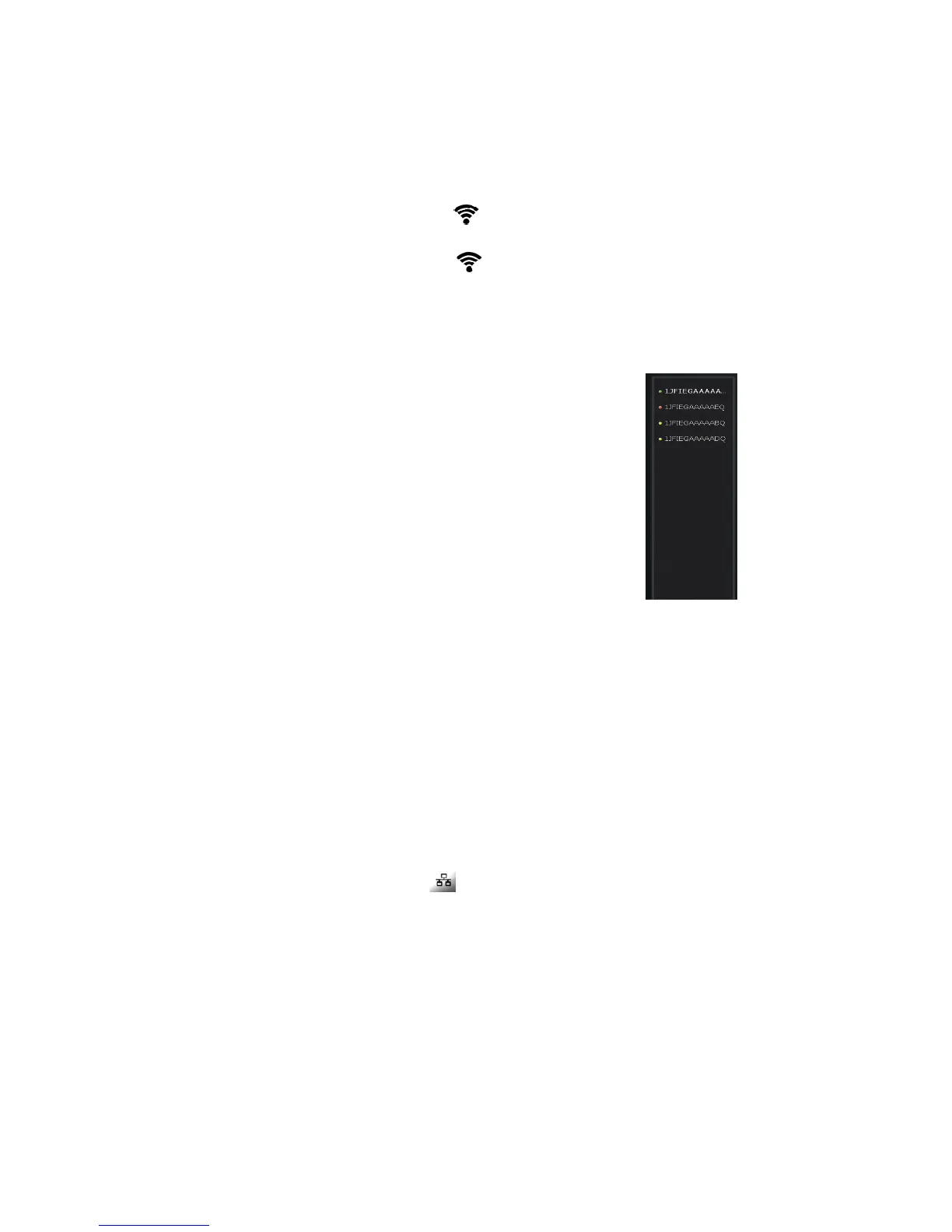
1. You can see the online status of every camera you added, which can be
divided into 3 statuses.
• Green color indicates that your camera is online.
• Yellow color means the camera online; however,
password has been changed. You need to
enter the new password to access the camera.
• Red indicates the camera is offline and not able to
access remotely.
If the camera is offline, please try the following methods:
• Make sure the camera's network connection is normal.
• Try to restart your network router.
• Please check the camera's cable connections to ensure they are connected.
• Make sure the camera STATE2 (
) the green light flashes every 3 times
every 3 seconds.
If you still can not access your camera, please restart the camera or press the
RESET shortly backing to the factory settings.


 To Next Page