CM1 USER MANUAL
10
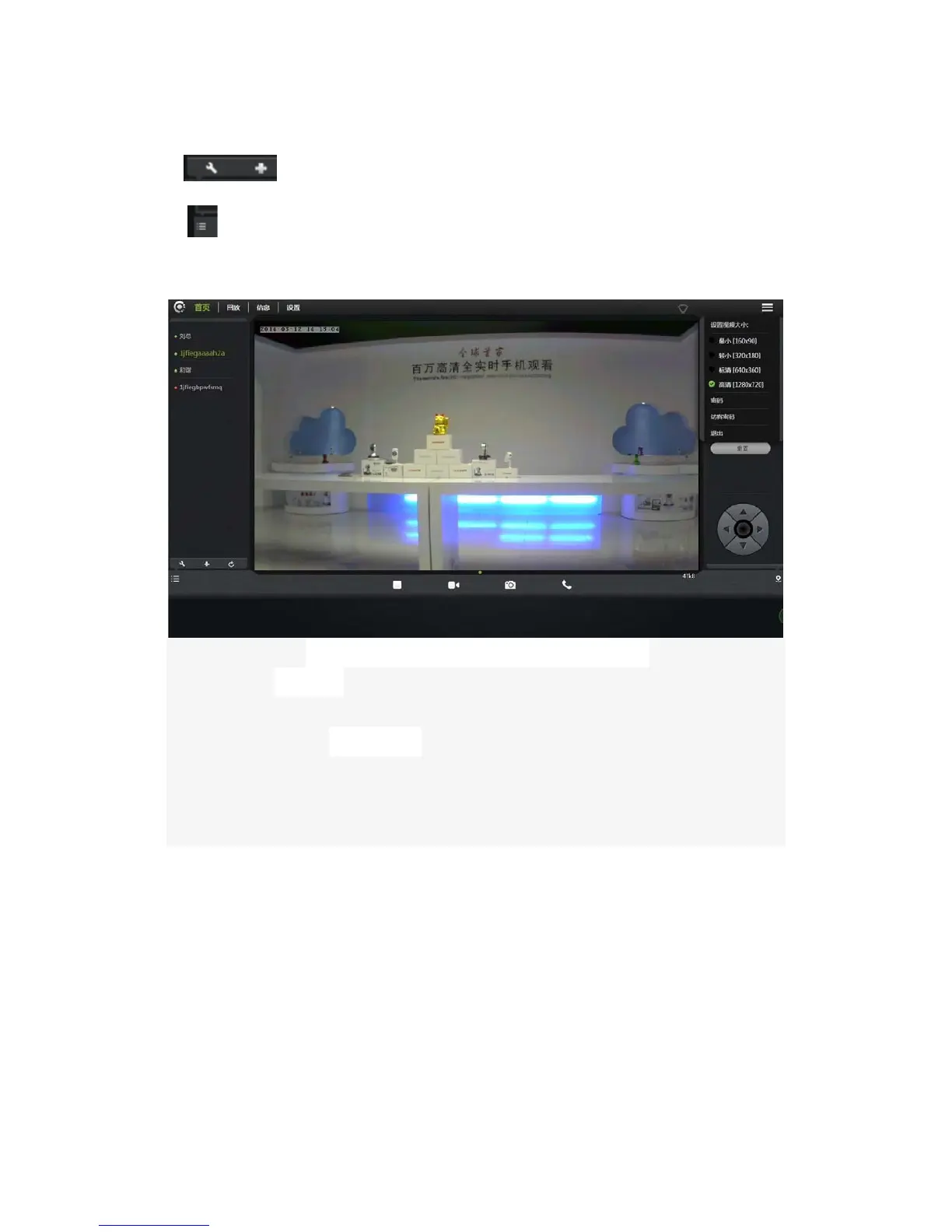
2. : Add or delete online cameras.
3.
: Show or hide the status bar.
3.3 Account settings
1.
Set video size:
U
ser can choose the resolution of the images.
2.
Password:
U
ser can modify the admin account (The visitors login the account
by administrator password can modify the information of the account).
3.
Guest Password: The visitors who login the account by guest password can
only watch and rotating screen, which can't modify the information of the
account.
4.
Exit: Exit Video Interface.


 To Next Page