CM1 USER MANUAL
1
1. Introduction
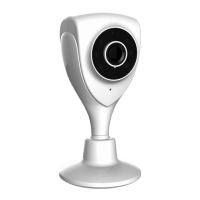
Thanks for buying our products. Cloud IP camera has a variety of functions,
which dedicates to the office and home solutions. Unlike traditional IP Camera,
cloud camera uses P2P technology, plug and play (no need to do port forwarding,
DNS, or IP address setting). By using WIFI remote monitoring, Cloud Camera
realizes real-time control at any where and any time. 720P HD makes image
clear and smooth. Cloud IP camera also has motion detection function, making it
cost-effective for home and public places security.
This manual is only for reference, any update please open www.vimtag.com
to download newest manual version.
2. Installation
2.1.
Camera installation and Login
Step 1: Connect power and network
Please refer to "Quick Installation Guide” for installation
Step two: Login
1: Open www.vimtag.com
on browser, and put in camera ID and password (each
IPCAM have a unique ID number and password).
Note: To protect your privacy, please change the initial password after first time
login.


 To Next Page