CM1 USER MANUAL
13
3. Snapshot button: Click the button for playing video capture pictures.
4.
Voice intercom: Click buttons, camera and computer microphone /
speakers are turned on; the two sides’ voices can be heard.
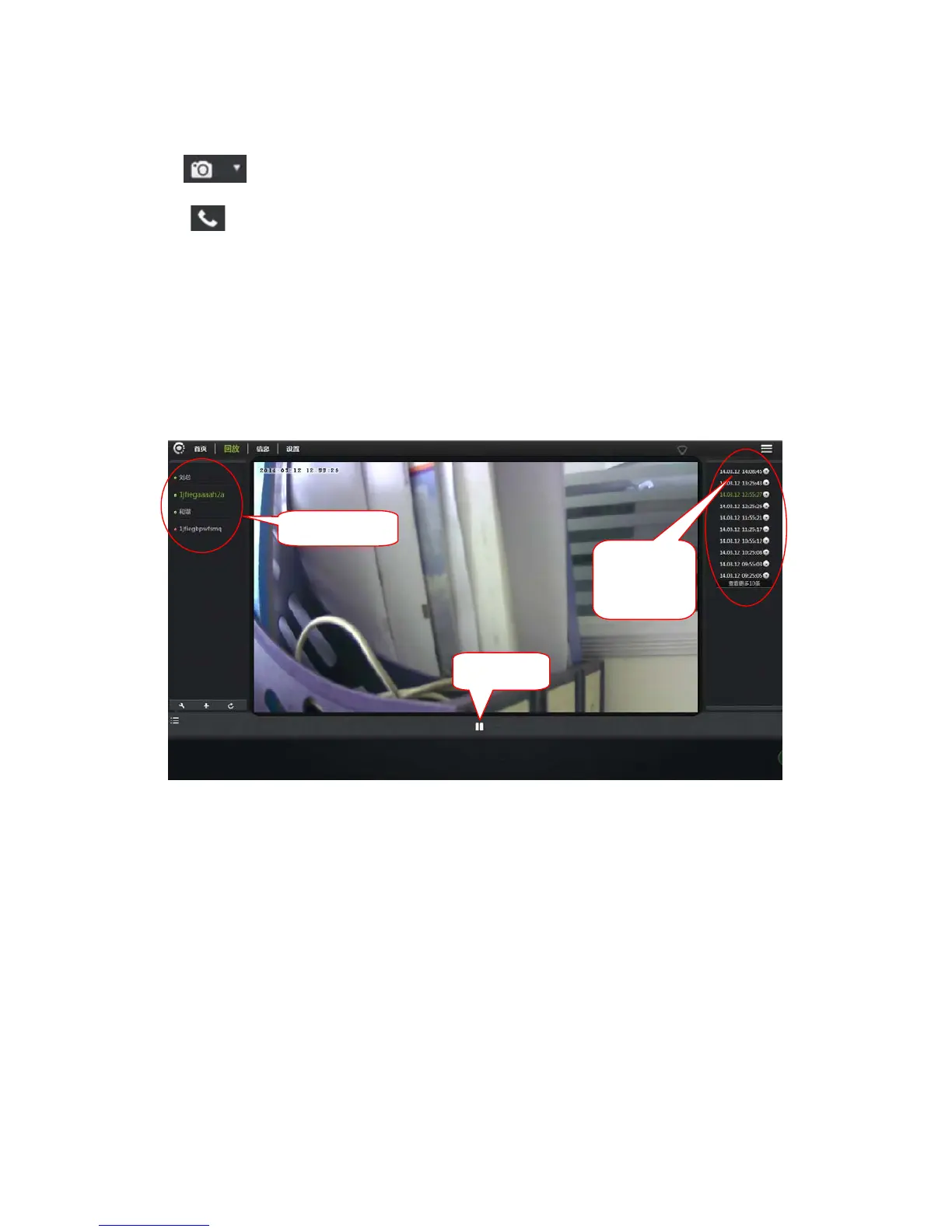
3.7. Playback
Micro SD card stores the video files.
1. Select the camera in the camera list.
2. In the image on the right can find more information. Video files and file details.
2. Video
files and
catalog
1. Camera
Play/Stop


 To Next Page