19
Pan and tilt brake adjustment
The pan and tilt brakes should be set so that the brakes begin to be applied after approximately
one-third of the lever travel.
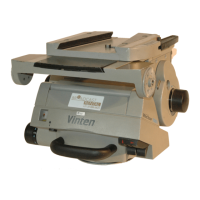
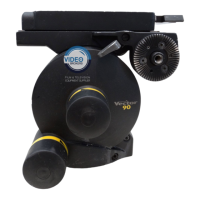
The tilt brake is adjusted by inserting a 2 mm hexagon wrench through the hole (5.2) in the bottom
of the tilt unit cover and turning the grub screw (5.1). To adjust the tilt brake, proceed as follows:
Operate the tilt brake lever (5) from the OFF to the ON position.
If brake pressure is not felt after approximately one-third of the lever travel, turn the grub
screw (5.1) clockwise until this is achieved.
Operate the tilt brake lever (5) to the OFF position and ensure that the platform is free to
move.
Pan and tilt brake adjustment
2/3
(5.1)
(5.2)
(29)
(30)
(4.1)
(5)
(4)
1/3












 To Next Page
