12
Basic Operation
Basic Operation
Power on/off
1. Connect to the power with a power code, and turn on the switch(page9).
2.-To turn on the TV
Press POWER button on the TV or remote control.
-To turn off the TV
Press POWER button on the TV or remote control.
Input Source select
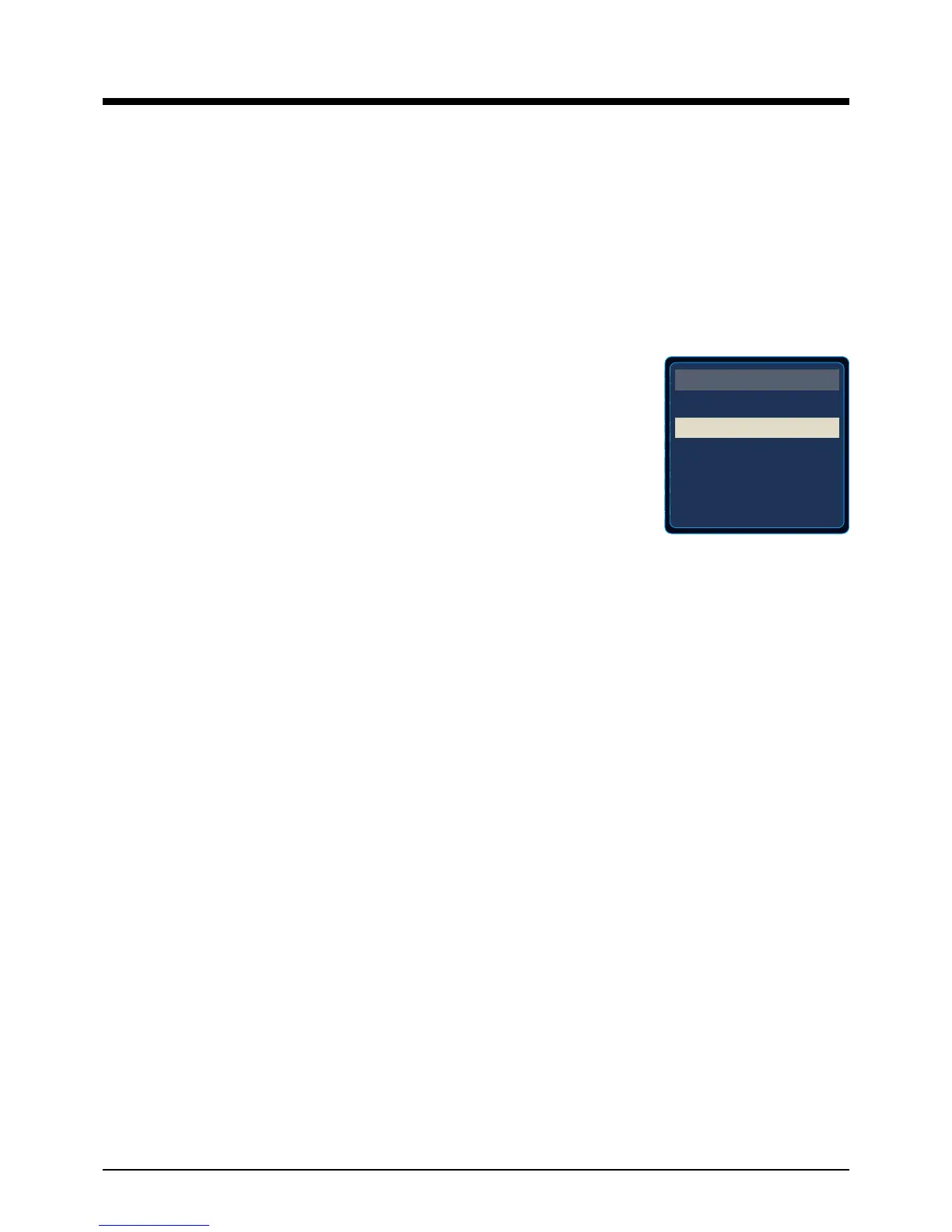
Press TV/AV button on the TV set or remote control to display the input
source menu, and use CH+/- button on the TV set or
∧
/
∨
button on
remote control to select the input source, press OK button on the
remote control to enter.
Note: Before you select the input source, make sure the
connections are prepared.
Basic buttons on the remote control
POWER(red button): Turn the TV on/standby.
TV/AV: Press to display the input source menu.
MUTE: Press to mute the sound, press again or press VOL+ to unmute.
DISPLAY: Display the information of current mode.
Thumbstick(
< > ∧∨
): Allows you to navigate the on-screen menus and adjust the system
settings to your preference.
OK: CONFIRM button.
MENU: Press to display the OSD menu.
EXIT: Press to exit the OSD menu.
VOL+/-: Press to adjust the volume.
CH+/-: Press to scan through channels.
RETURN: Return to the previous channel viewed.
TIMER: Shutdown timer.
Number Buttons: Choose channel directly.
Select channel 5, Press button "5";
Select channel 62, Press button "6", then press button "2" in 2 seconds;
Select channel 151, Press button "1", and press button "5" in 2 seconds, and press button "1" in
2 seconds;
Select channel 5-1, Press button "5", and press button "- / - -" in 2 seconds, and press button "1"
in 2 seconds;
PICTURE: Press repeatedly to cycle through the available video picture modes.
SOUND: Press to cycle through the different sound settings.
ASPECT: Press to change the screen display mode.
TV
AV
Component
HDMI
VGA
INPUT SOURCE


 To Next Page