20
OSD Menu
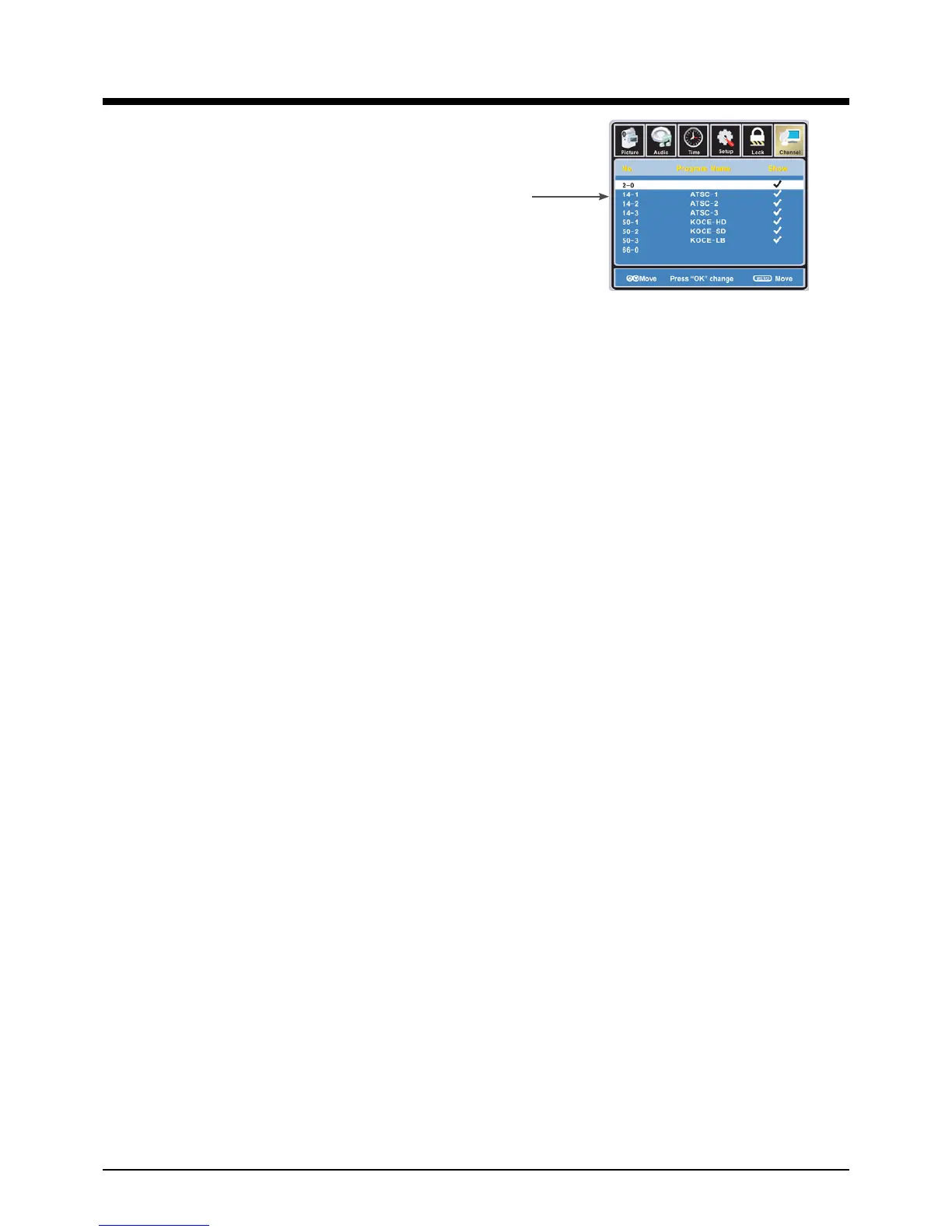
Show/Hide: Allow you to show or hide the channels.
Use
∧ / ∨
button to highlight the desired item, then press
OK button to show or hide the highlighted channel.
Channel No.: Show and select the channel.
Channel Label: Allow you to setup a label for the channel.
Press
< / >
button to select the position of the table, and press
∧ / ∨
button to select the
words.
DTV Signal: Show the quality of digital signal: good, Normal, Bad.


 To Next Page