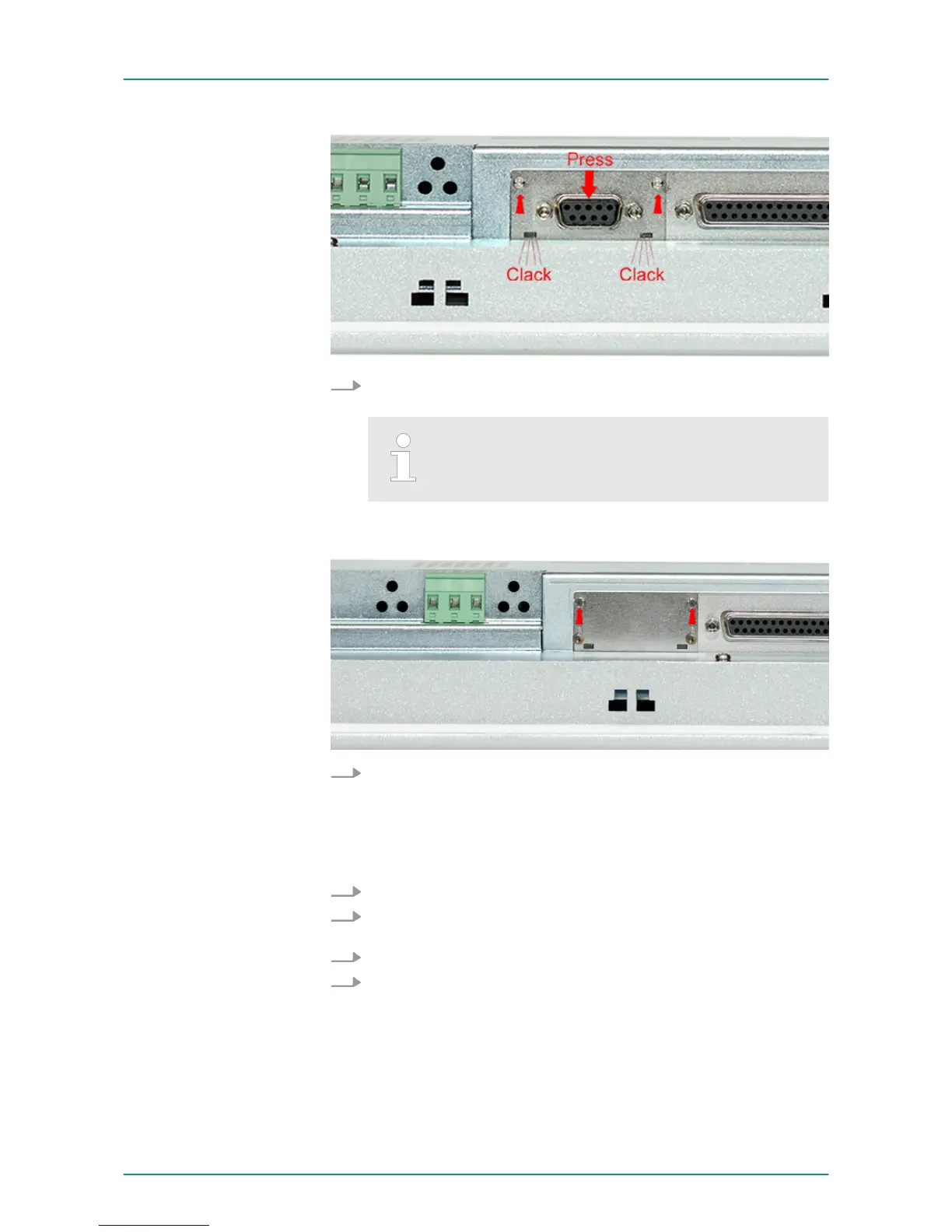
3. Now press the interface module downwards until the holding
plate snaps into the lugs.
Please consider that the holding plate always snaps
to the lugs, otherwise the holding plate can not be
screwed!
4. Mount the screws again.
After installation the interface module is automatically recognized and
can be configured.
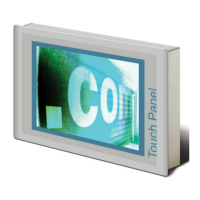
1. Remove the screws.
2. Push the holding plate from the lugs. Use a screwdriver by
inserting it gently between the housing and holding plate.
3. Pull the interface module out of the device.
4. Reinstall the cover plate.
Demounting
VIPA HMI Touch PanelDeployment under Windows CE 6.0 Core
Installation of the optional MPI/PROFIBUS DP interface
HB160 | TP-ECO | 62K-NHC0 | GB | 14-27 26


 To Next Page