4.3 Commissioning
CAUTION!
– Before commissioning the device must be brought to
room temperature.
– At condensation the device must be absolutely dry
before connected to power.
– To avoid overheat during operation the device must not
be laid open to direct sun light.
– After opening the control cabinet or desk, there are
parts with possible dangerous voltage available.
– For all signal connections only screened cables are
permitted.
– Signal cables must not be let within the same cable
shaft as high voltage cables.
4.3.1 VIPA Startup-Manager
As soon as the Touch Panel is provided by power supply, the VIPA
Startup-Manager will be loaded.
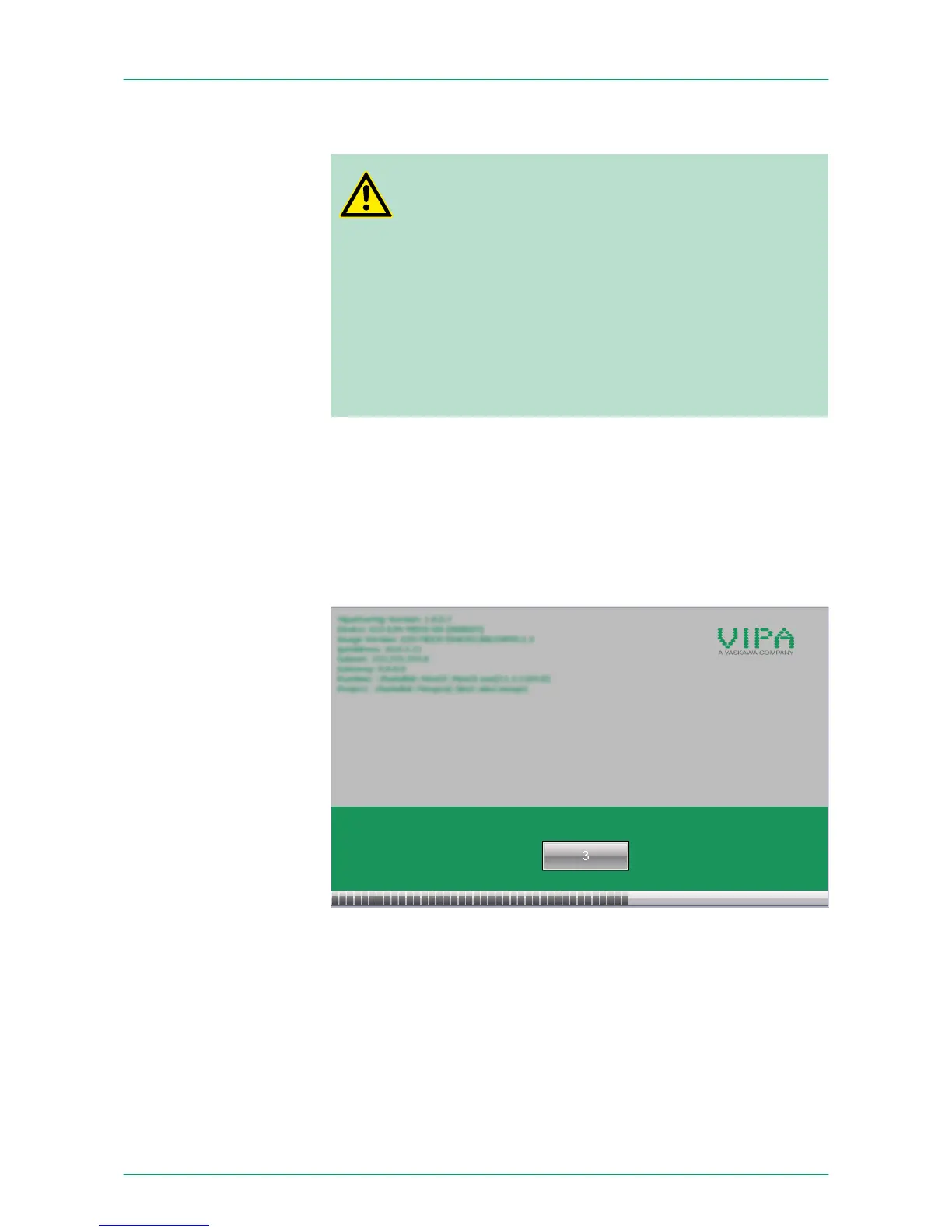
At the first startup of the VIPA Startup-Manager the following start
screen appears.
There is a button on the initial screen with a counter, which counts
backwards. If you click on this button within this time, you can return
to the selection menu. If the time expires, the project will start auto-
matically.
A delay time of 5 seconds is default. In the selection menu under
"Autostart" you can adjust this time.
There are following buttons in the selection menu:
n Settings
n Info/Update
n Autostart
Start screen
Selection menu
VIPA HMI Touch Panel Deployment under Windows CE 6.0 Prof.
Commissioning> VIPA Startup-Manager
HB160 | TP-ECO | 62K-NHC0 | GB | 14-27 47


 To Next Page