31
© 2009 Directed Electronics. All rights reserved.
Channel One to Channel Two. Now, press and
HOLD
the Pro-
gram switch. The LED will flash two times, do not release it.
Learn Routine will be exited if:
Ignition is turned off.•
Program switch is pressed too many times.•
More than 25 seconds elapses between programming steps.•
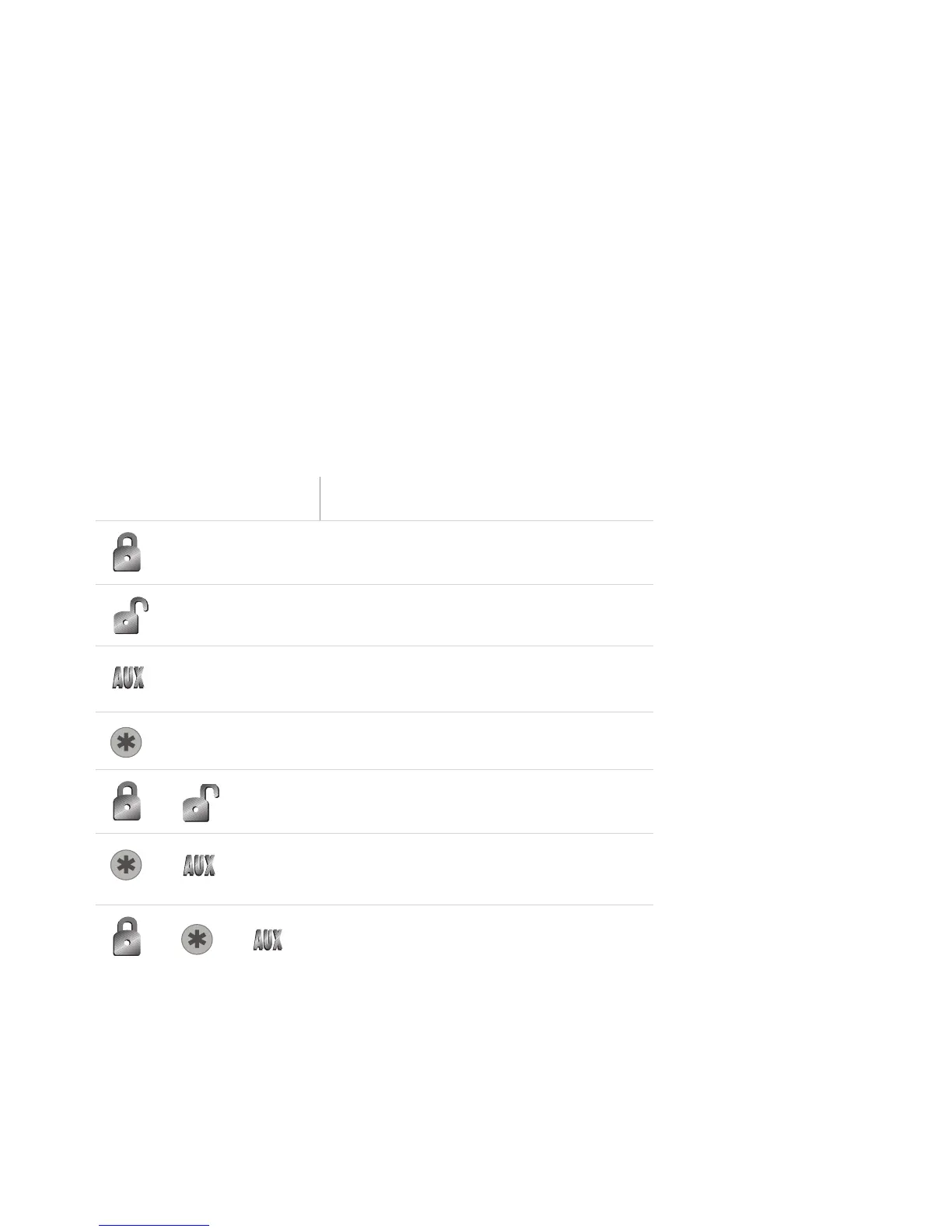
➢ Remote Configuration
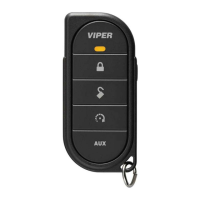
4-button remote control (included)
Button Press Feature



 To Next Page